
Turn any transit stop into a digital information point
Give passengers direct access to information for the stop they are standing at. Each stop-specific QR code opens the relevant Ride Guide page, without requiring passengers to search through a website or select their location first.


Give riders the right information for the stop they're standing at
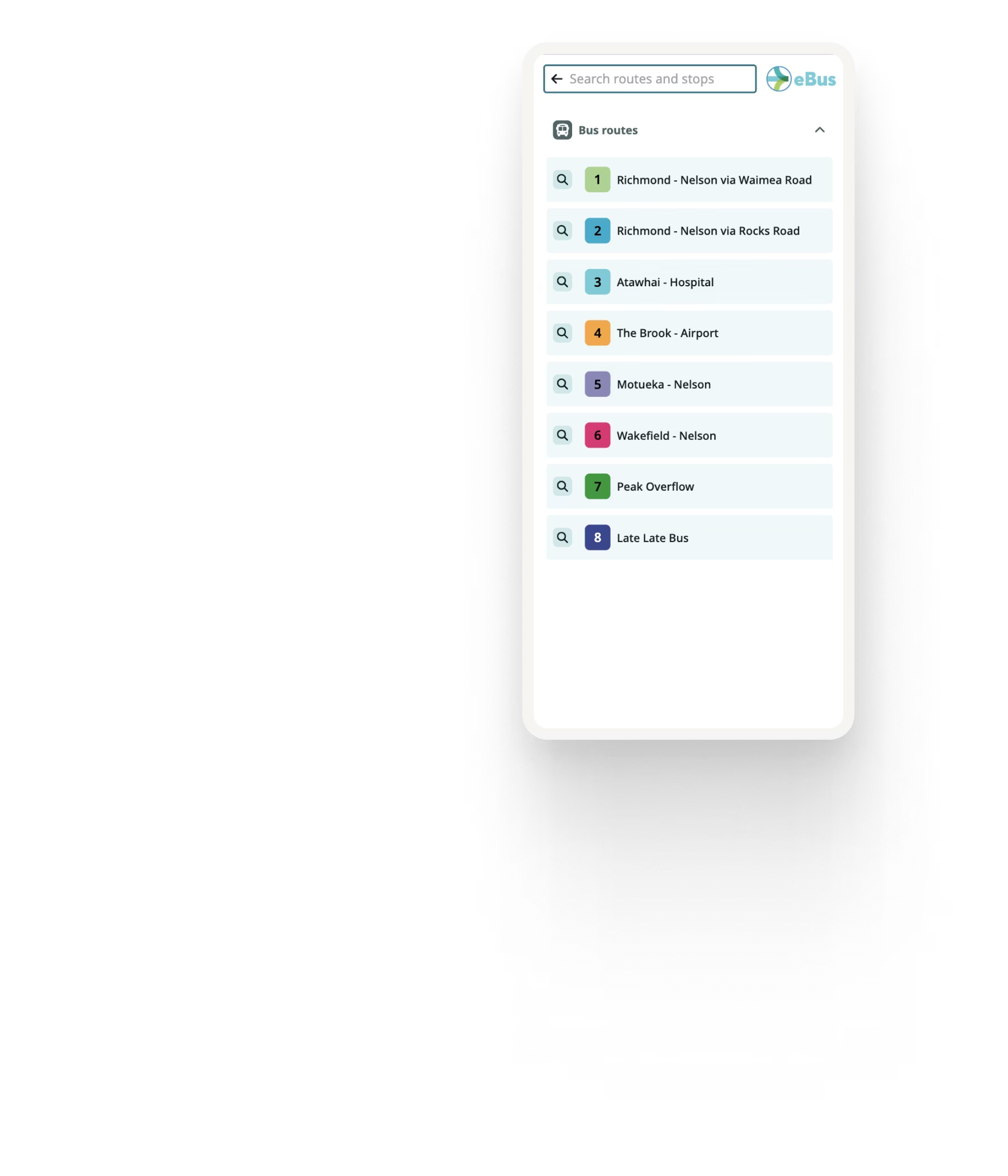
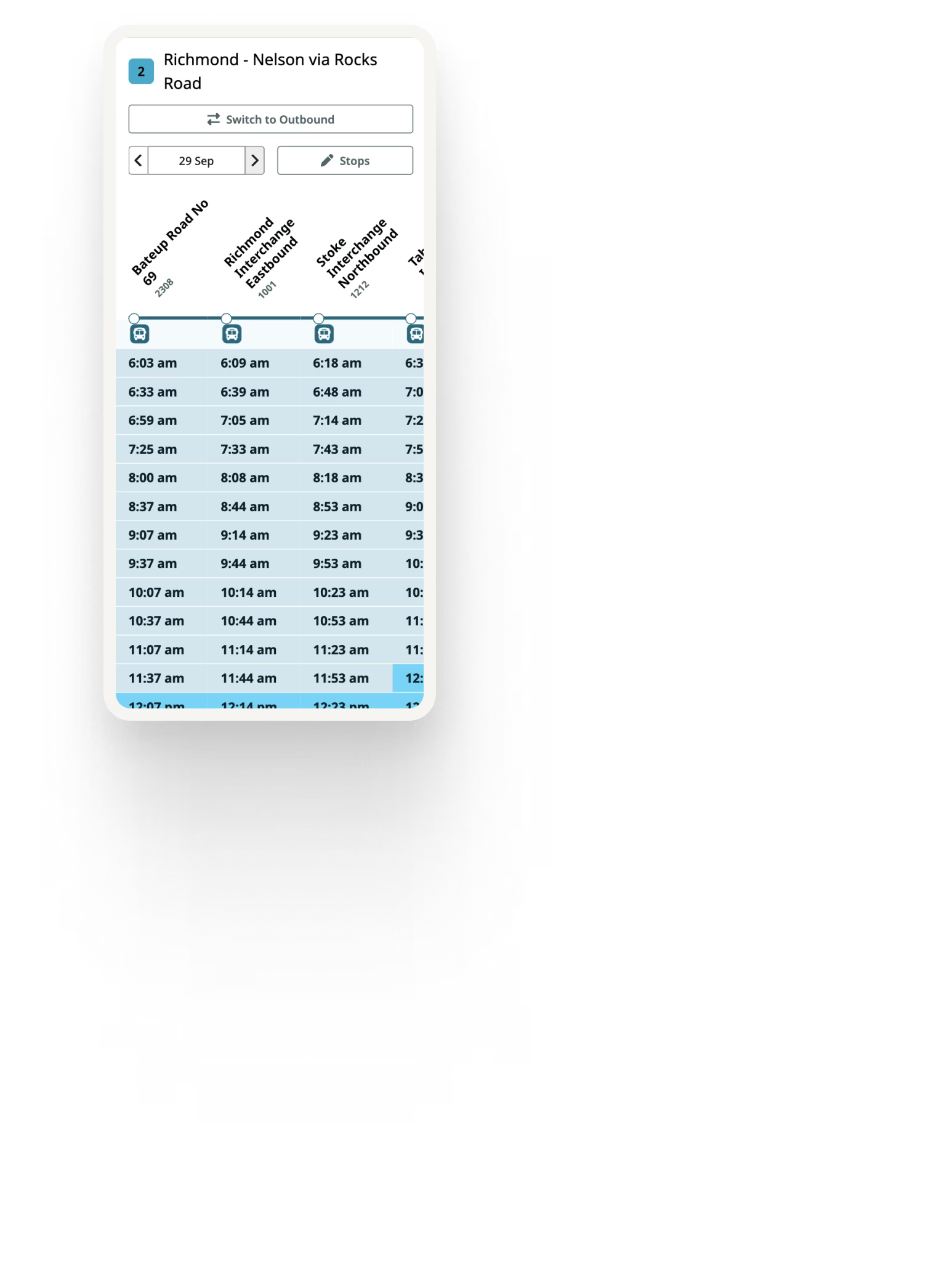
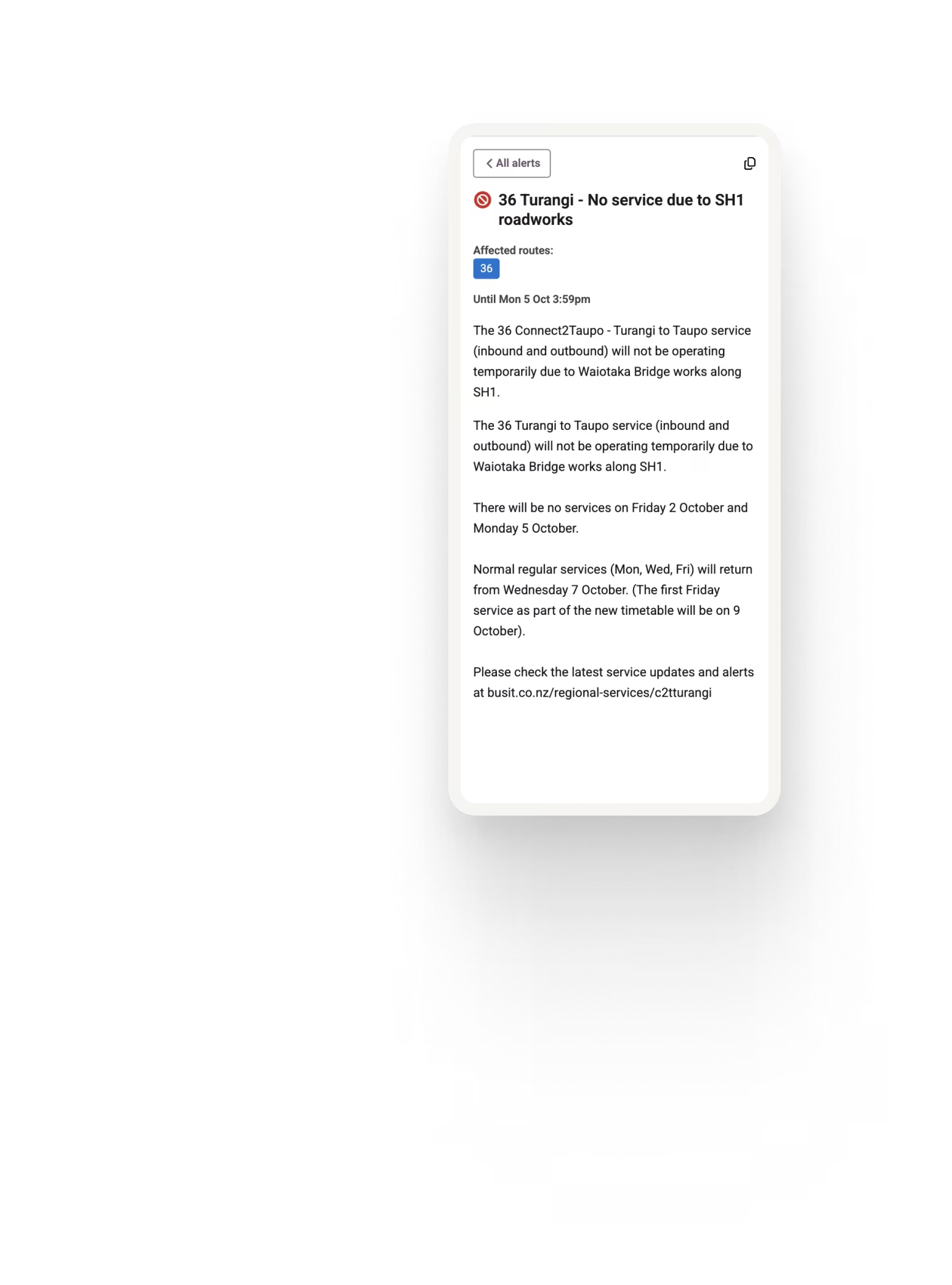
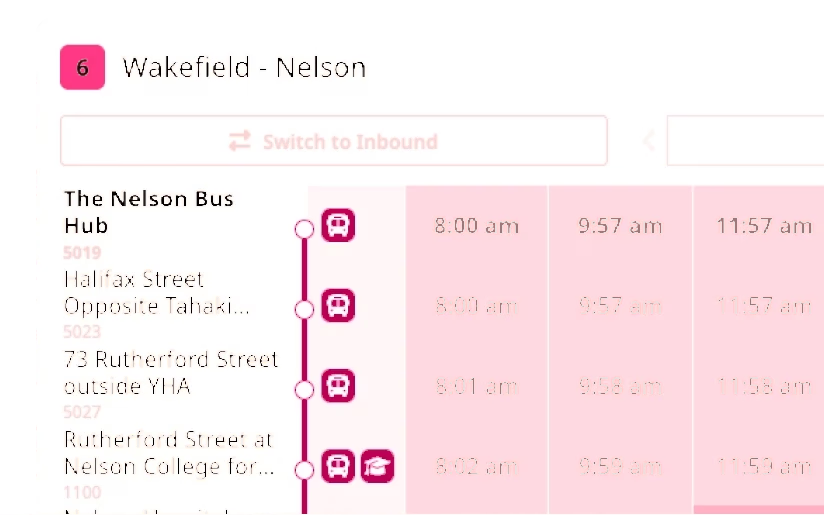
With one quick scan, passengers can view upcoming departures, explore the routes serving their stop and check current service alerts where available. There is no need to search for their location or navigate through a general network website.

No app download required
This is particularly useful for:
Visitors
Occasional passengers
Agencies that don't want to force app adoption
Passengers can scan the QR code using their phone’s camera and view the information in their web browser. There is no app to find, download or register for.
This provides a simple option for regular riders, occasional passengers and visitors, while allowing agencies to improve access to digital information without requiring app adoption.
One QR code. Information that stays up to date.
The physical QR code remains linked to the stop while the digital information behind it can change as your network changes. Update schedules, routes and service information through your usual data processes without replacing the QR code each time. This can reduce the need to replace printed timetable information whenever schedules change.

What riders can see at the stop
Upcoming departures
Show scheduled departures and real-time predictions where live data is available.
Route information
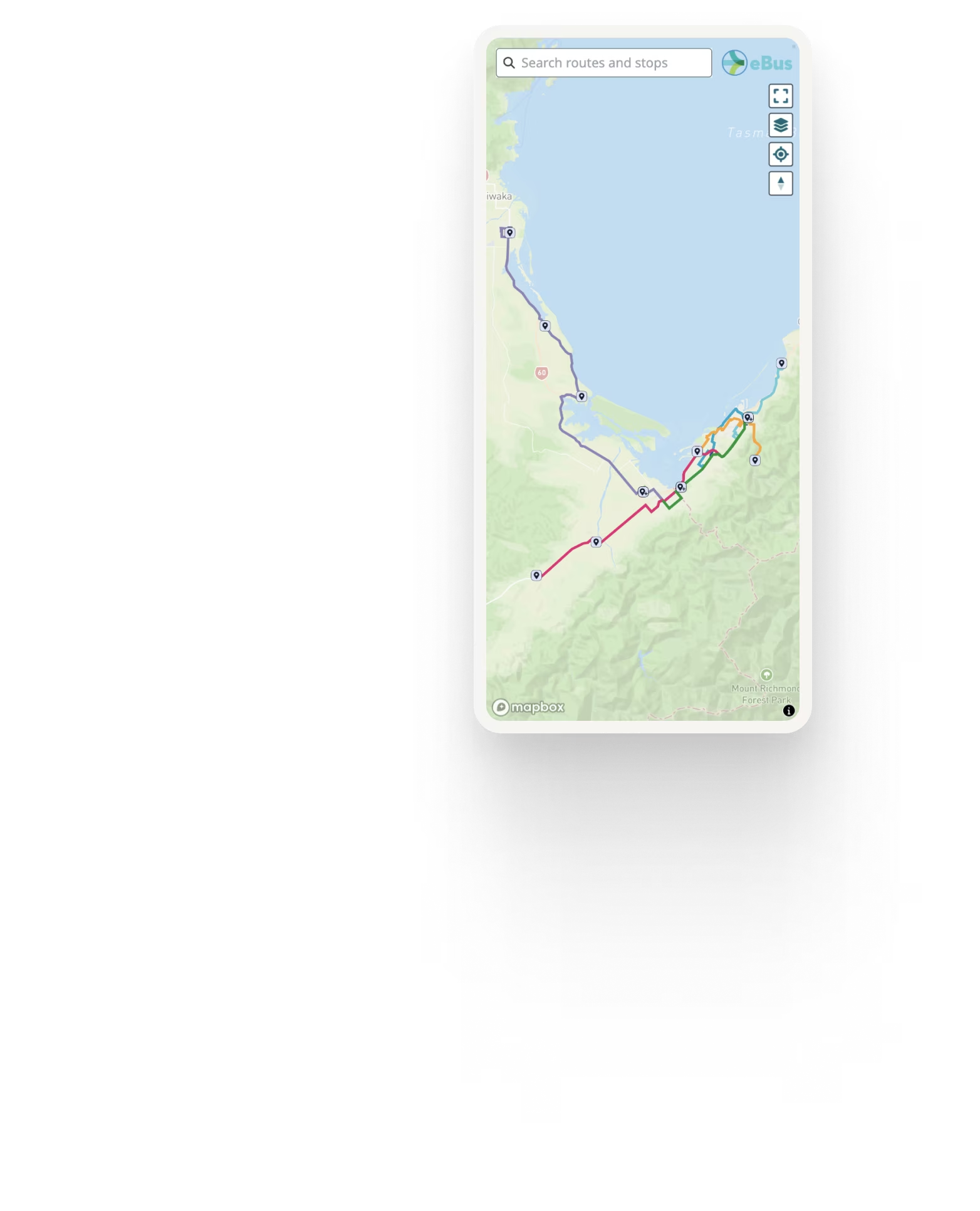
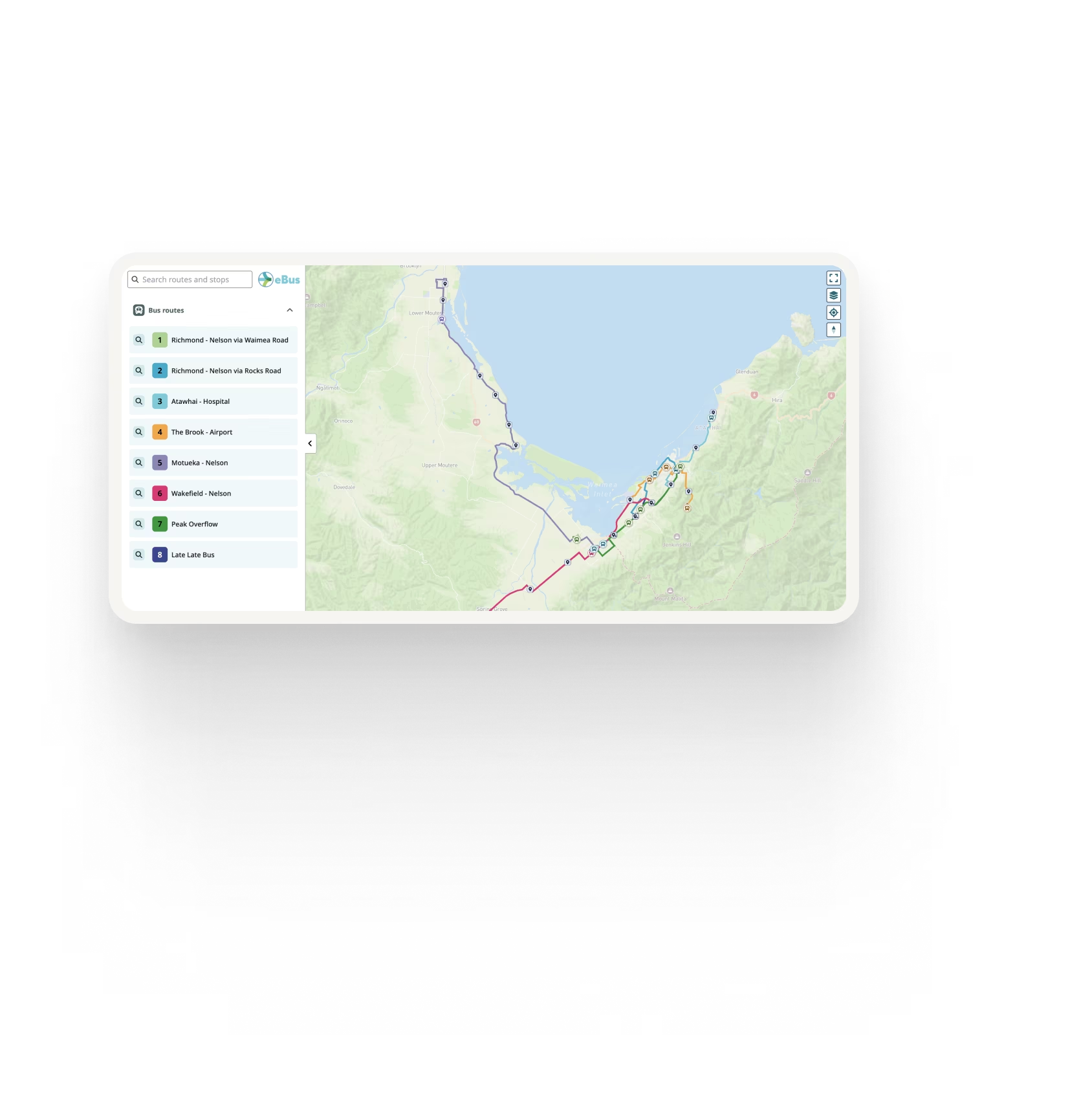
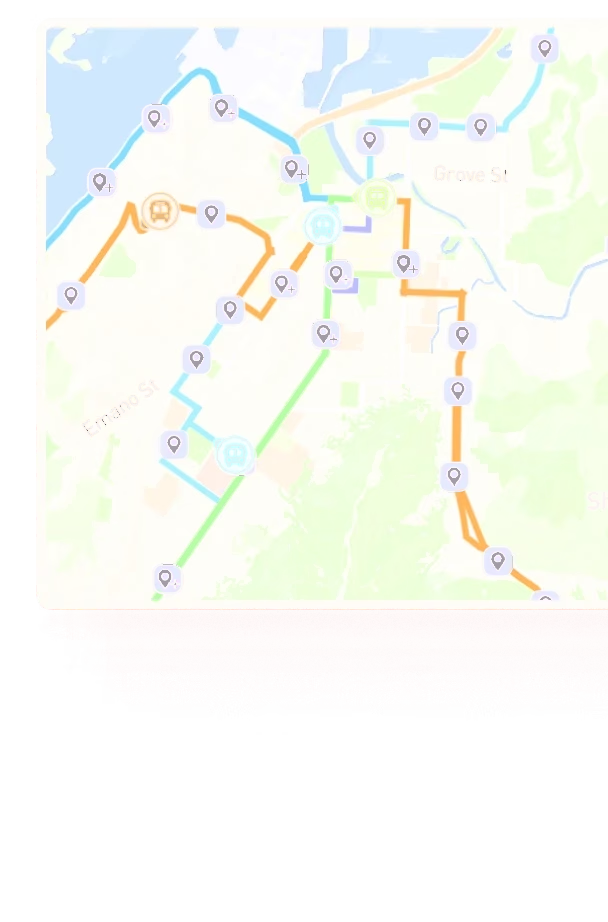
Help passengers see which routes serve the stop and where those services travel.
Service alerts
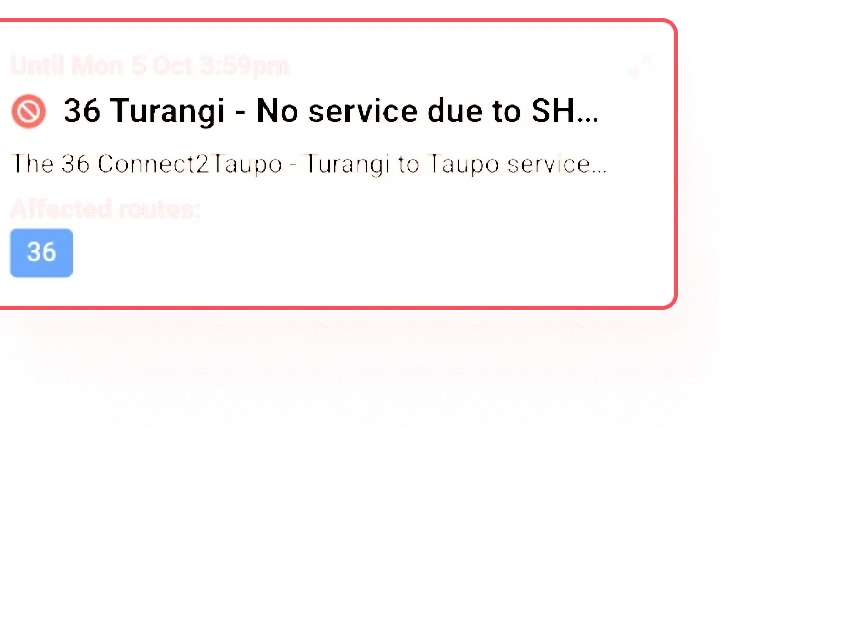
Display relevant service changes and disruptions alongside the affected stop or route.
Route maps
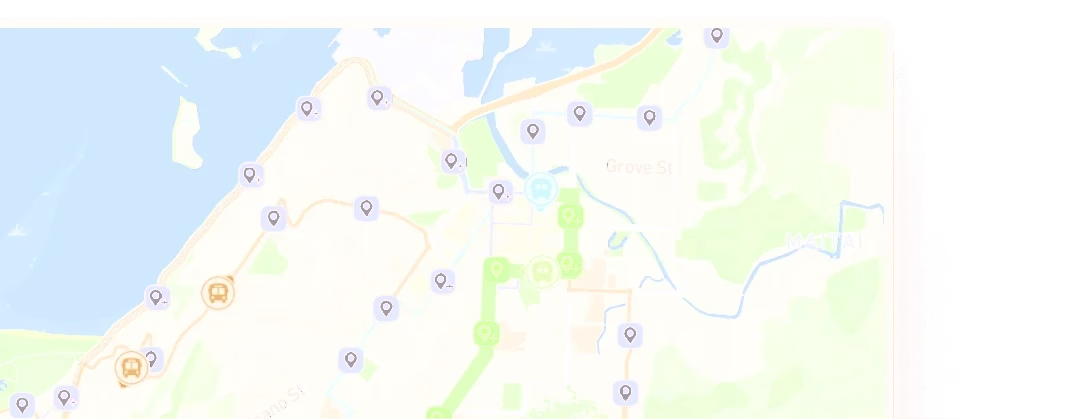
See where the routes serving your stop travel and explore other routes across the network.
Accessible digital information
The Ride Guide map is designed with web accessibility in mind, helping more passengers access and navigate stop and route information across different devices.
Designed for real-world transit stops
Each QR code is linked to the relevant stop using the network’s stop data, taking passengers directly to the information they need. QR codes can be supplied on laser-engraved plaques with clear scanning instructions and agency branding, creating a consistent experience across the network.
Ride Guide can support anything from a small trial to a wider network rollout. Where real-time data is available, passengers can see live departure information. If it is unavailable, they can still access scheduled services, ensuring the QR code remains useful at every stop. Built-in analytics also give agencies insight into usage, including QR code scans, page views and unique users.

See Ride Guide using your network
Share your GTFS feed and we'll show you how Ride Guide could work with your network.