Interactive Route Maps to simplify your route pages
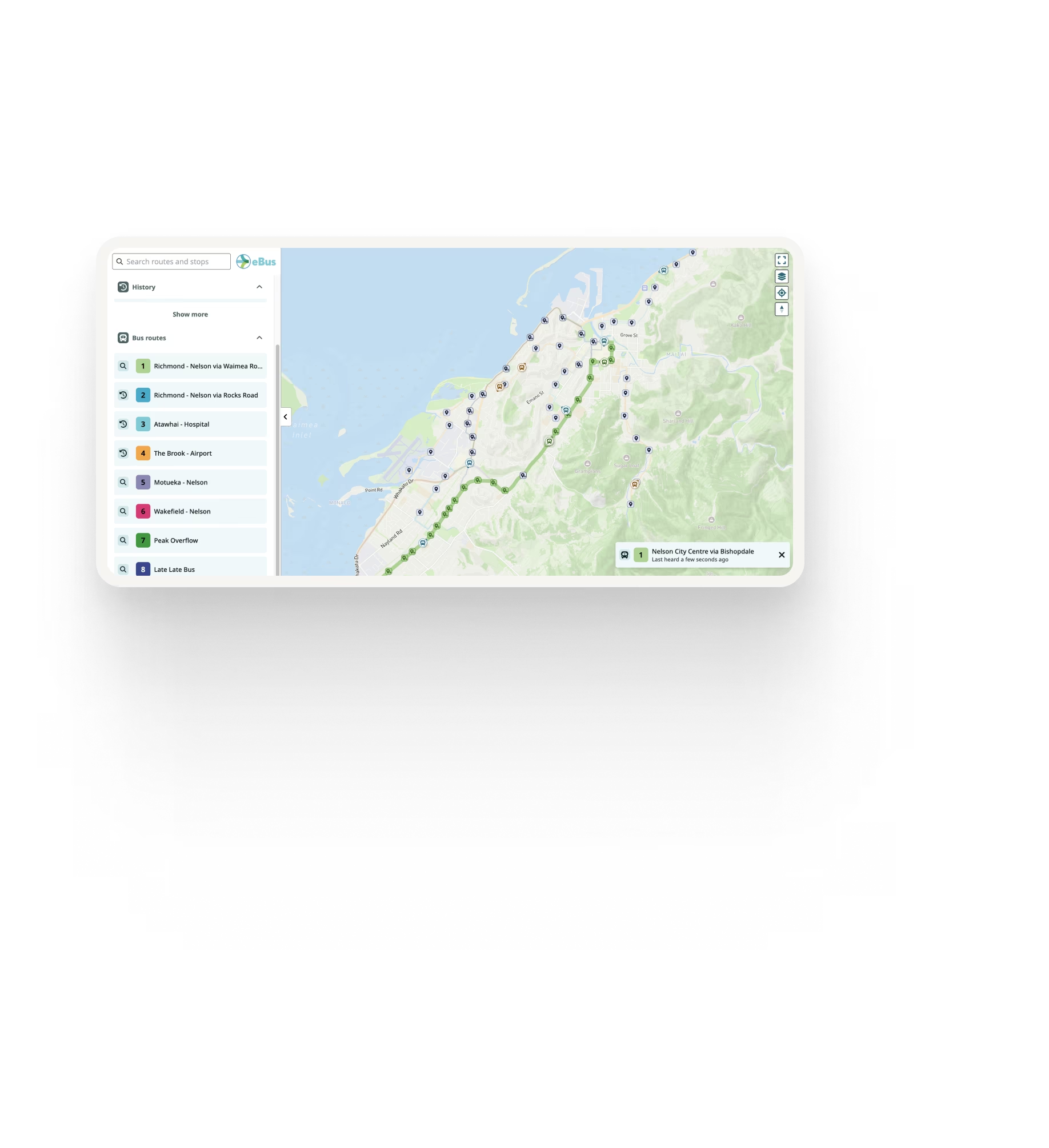
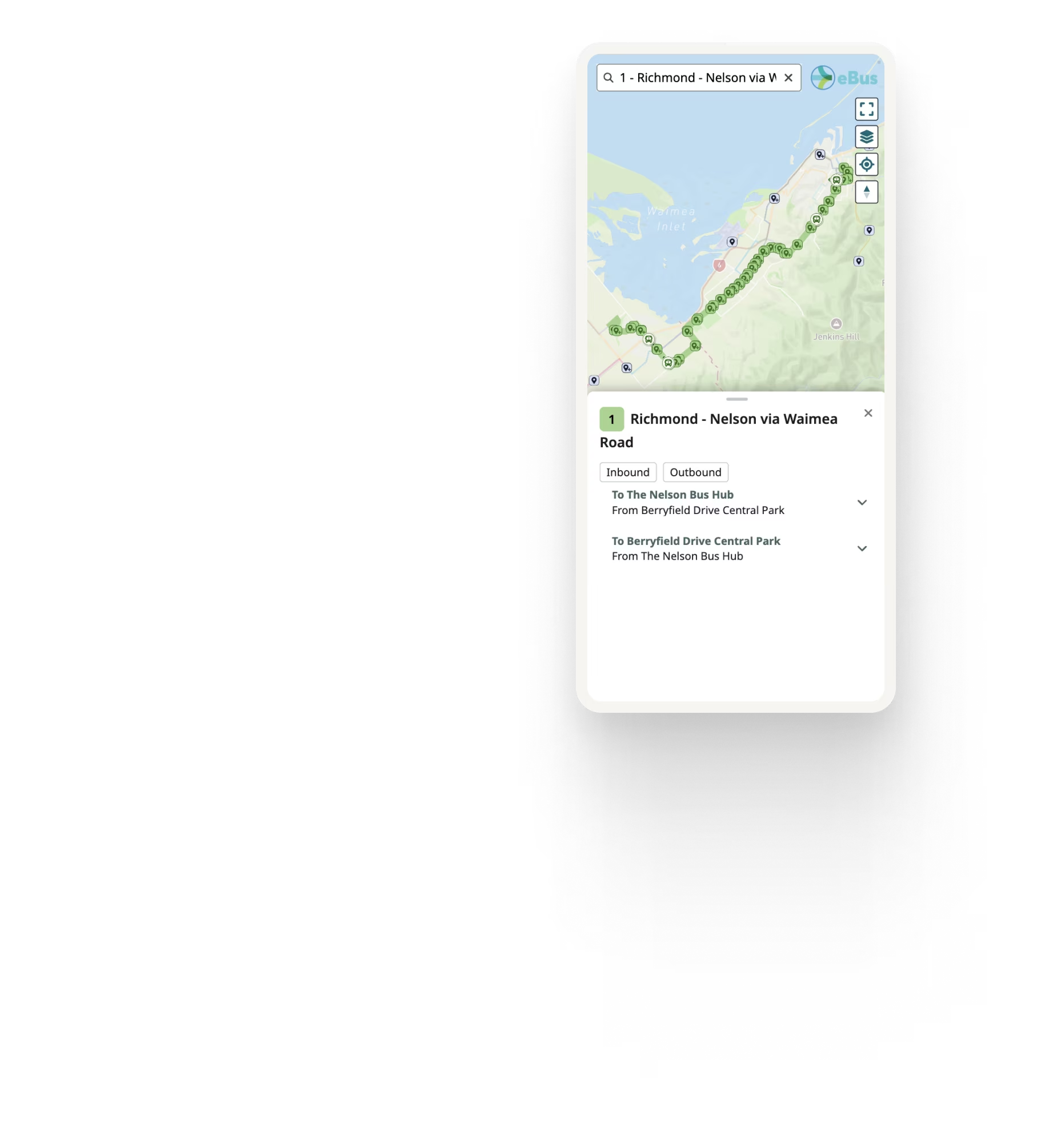
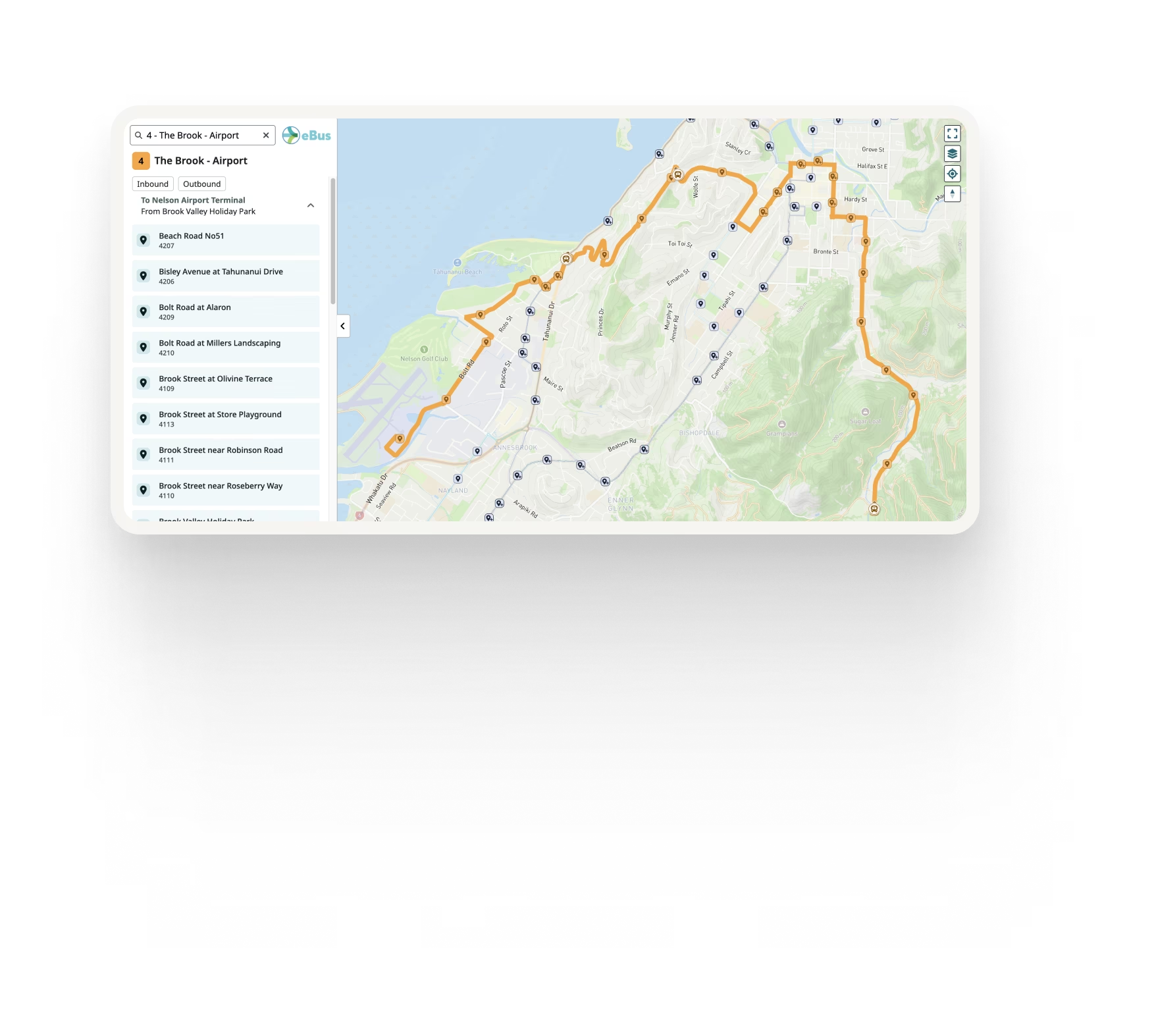
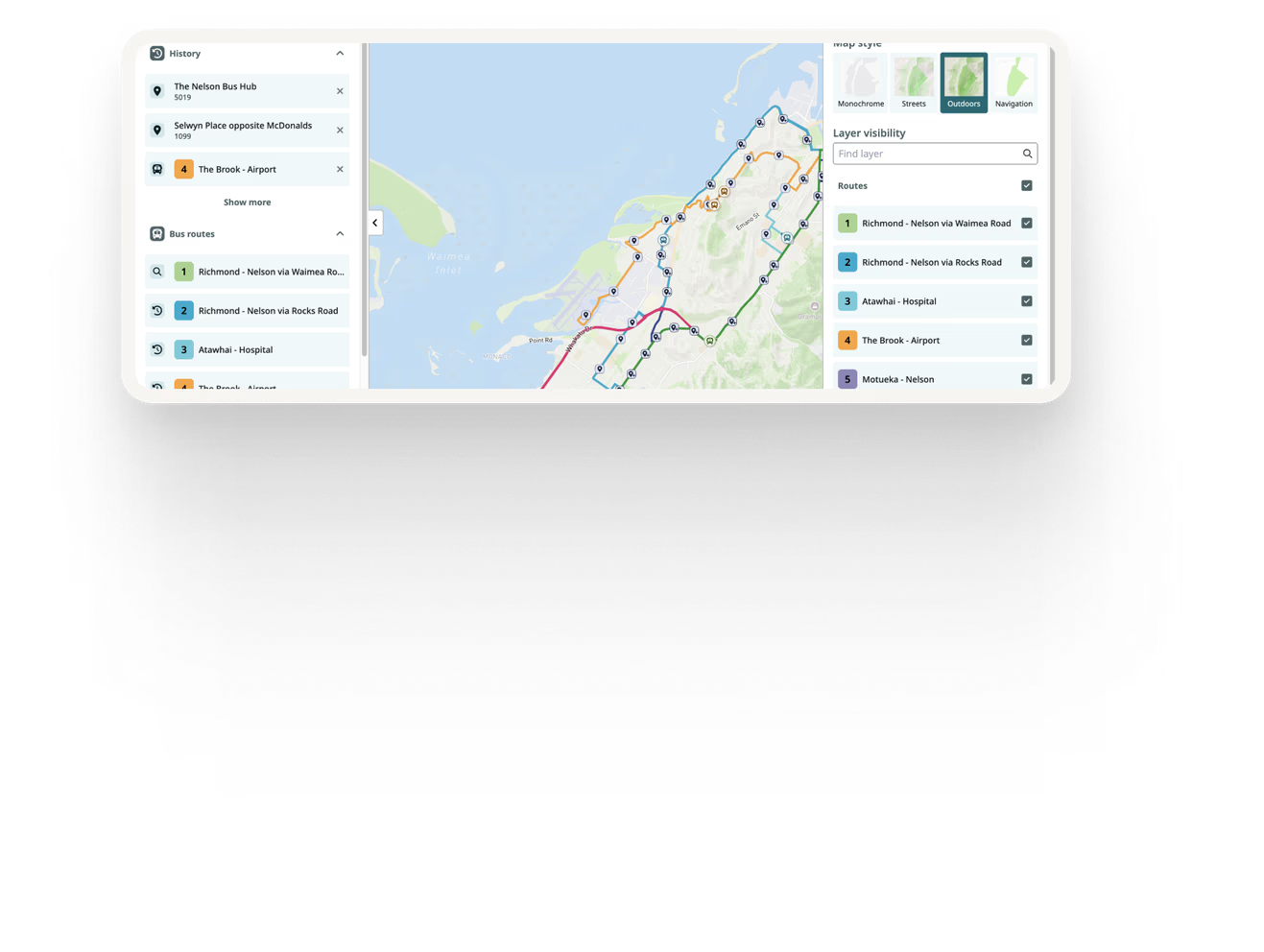
Route Maps give riders a focused, interactive view of an individual transit route, including its path, stops, travel direction and relevant real-time information.
Unlike Network Maps, which help riders explore the wider transit network, Route Maps are designed to help passengers understand one specific route in detail and can be embedded directly into individual route pages.



Give every route a useful digital home
A modern transit website typically gives each route its own page, bringing together the route map, timetable and other important service information.
Traditionally, route maps may be manually maintained images or clunky GIS embeds. They can quickly become outdated and often provide limited value beyond showing the basic route geography.
Ride Guide Route Maps turn your GTFS data into a clear, interactive view of the route and the stops it serves. Add GTFS-RT and the same map can also show live vehicle locations, departures and relevant service alerts.
Combined with Ride Guide Route Timetables, Route Maps can form the centre of a complete passenger-facing route page.
Everything riders need to understand a route
Stops in context
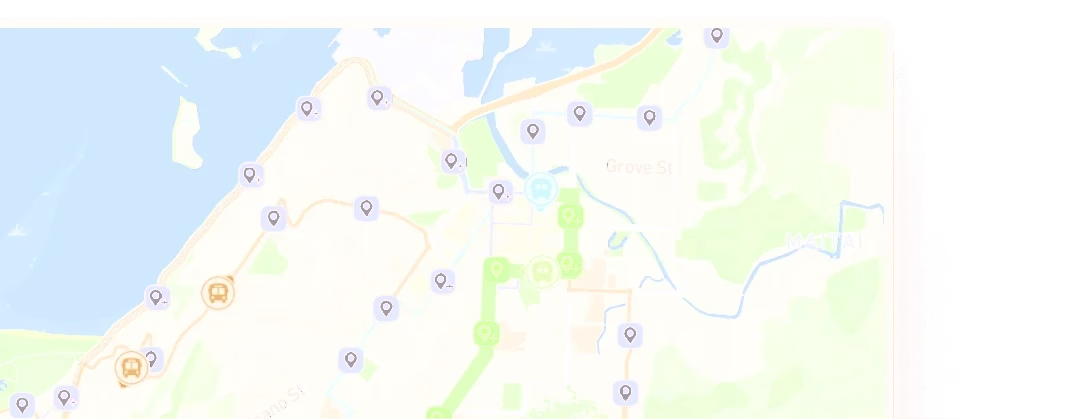
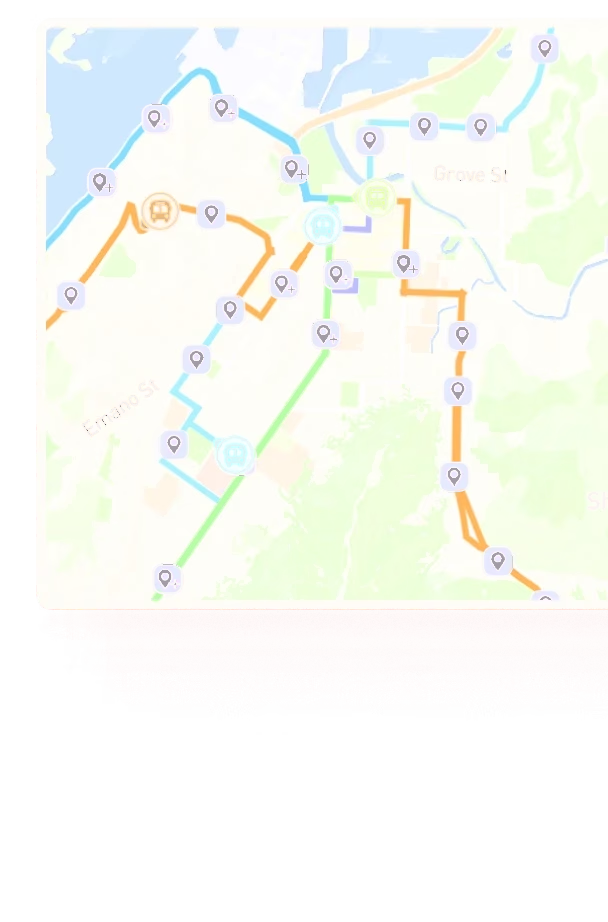
Show each stop's exact location along the route, helping riders understand where they can board, where the route travels and which other stops it serves.
Route directions
Clearly distinguish between inbound, outbound or other service variations, helping riders understand which route path and stops apply to the journey they are planning.
Live vehicle locations
Where GTFS-RT vehicle positions are available, show buses or other transit vehicles moving along the route in real time.
Upcoming departures
Allow riders to select a stop and view upcoming departures, including real-time information where available.
Relevant service alerts
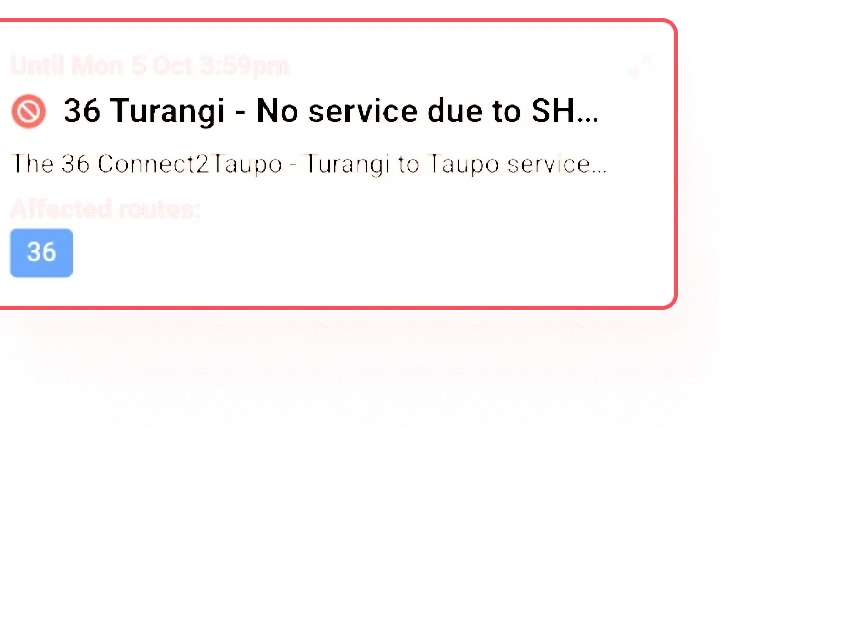
Display service alerts affecting the route directly within the route experience, rather than requiring riders to search elsewhere for disruption information.
Deviated fixed-route service areas
For deviated fixed-route services, Ride Guide can display the area around a fixed route within which the vehicle may deviate to pick up or drop off passengers, helping riders understand whether flexible service may be available to them.
Automatically reflect route changes
Route Maps are generated from the agency's GTFS data. When route shapes, stops, times or other underlying route information changes in the GTFS feed, Ride Guide can reflect those changes automatically, removing the need for staff to manually redraw and replace route maps on the website.

Pair Route Maps with Route Timetables
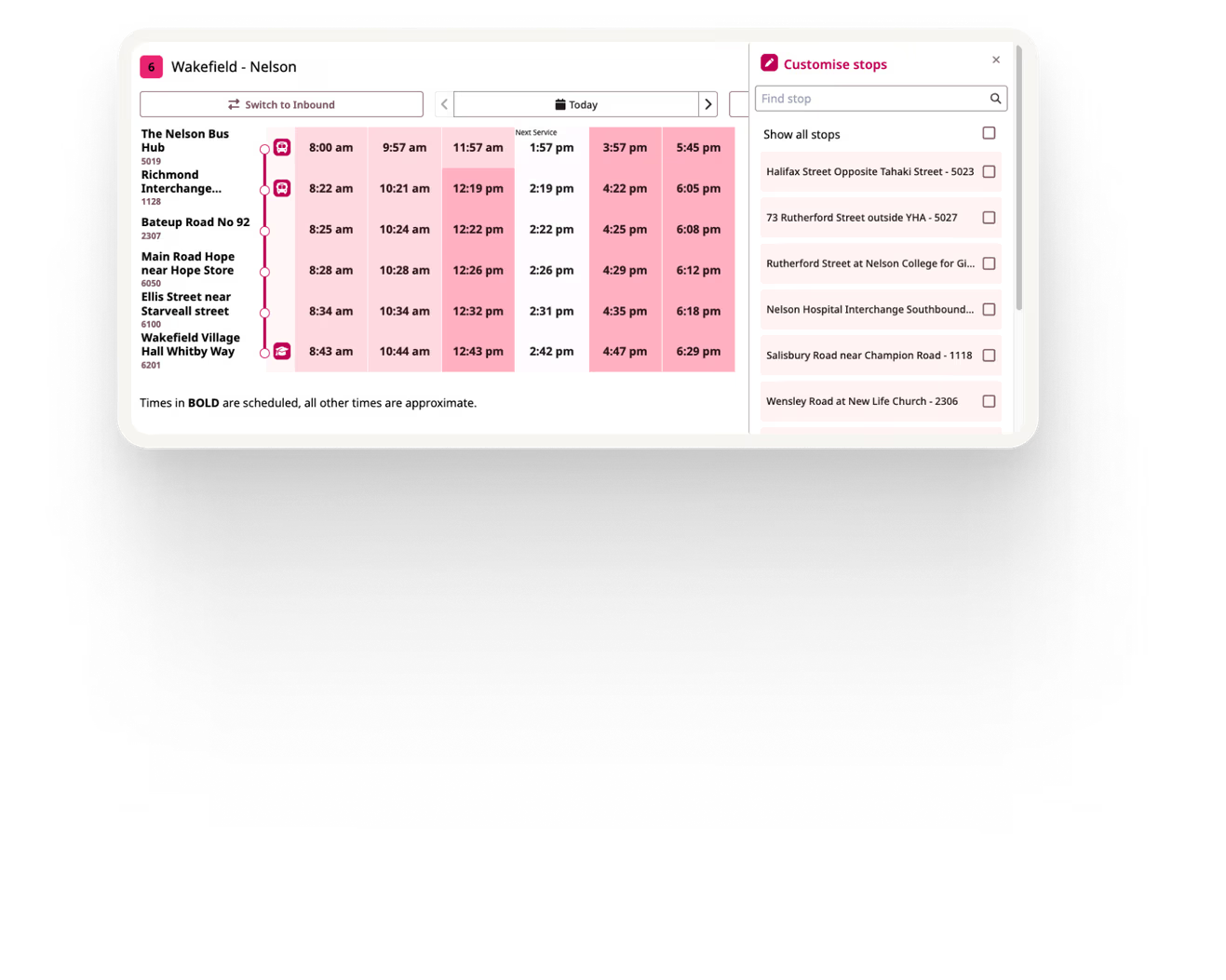
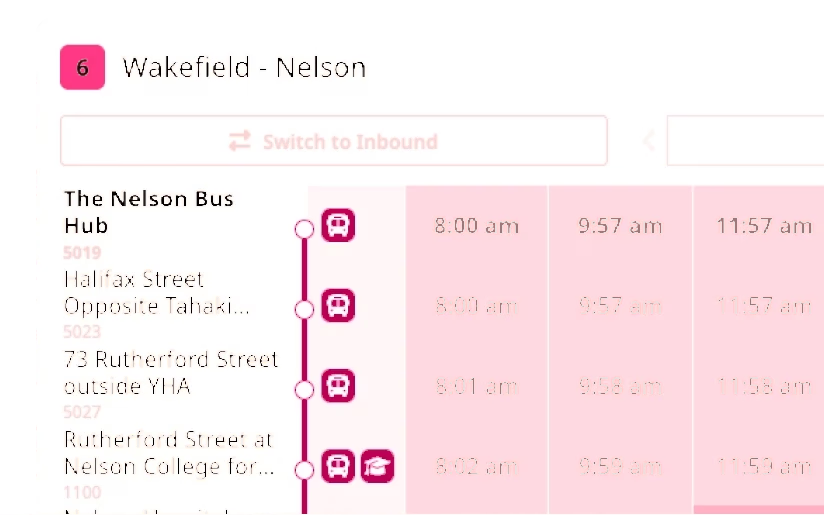
Route Maps and Route Timetables can be used together to create a complete passenger-facing route page.
A typical route experience could bring together:
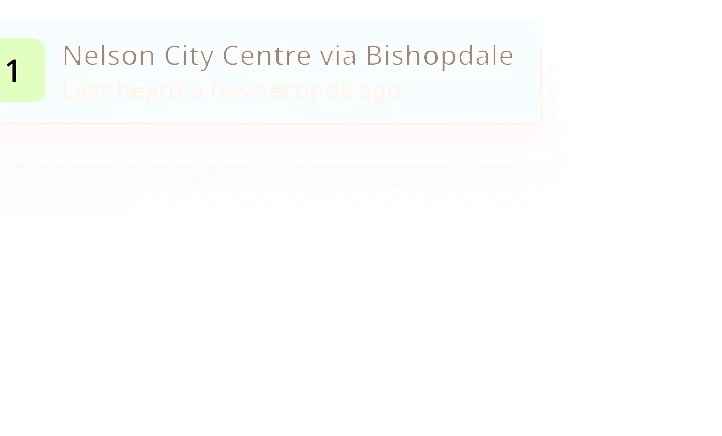
Route title → Timetable and service alerts → Route map
The order is up to you. Ride Guide components can be positioned within the route page to suit your website and passenger experience.
This gives riders both the geographic and schedule information they need while keeping the underlying information connected to the agency's transit data.
Explore Route TimetablesRoute title
See Ride Guide using your network
Share your GTFS feed and we'll show you how Ride Guide could work with your network.