Service Alerts where riders actually need them
Create and publish service alerts once, then surface them alongside the routes, stops, maps and timetables they affect. Ride Guide helps agencies turn disruption information into structured GTFS-Realtime Service Alerts that can be used across their passenger-information channels.



Don't make riders hunt for disruption information
When something changes, riders should not have to search a news page, check social media or open a separate app to find out whether their service is affected.
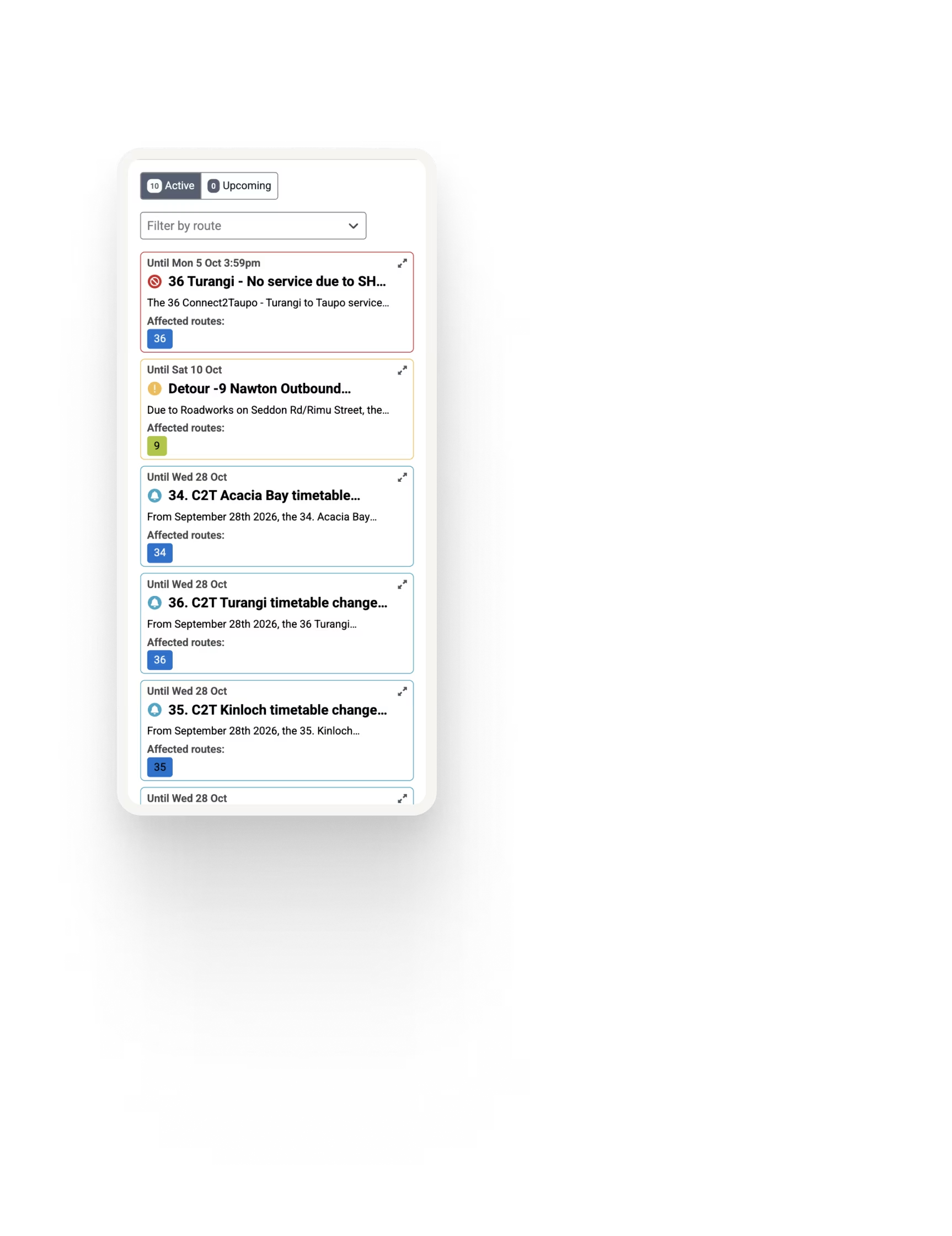
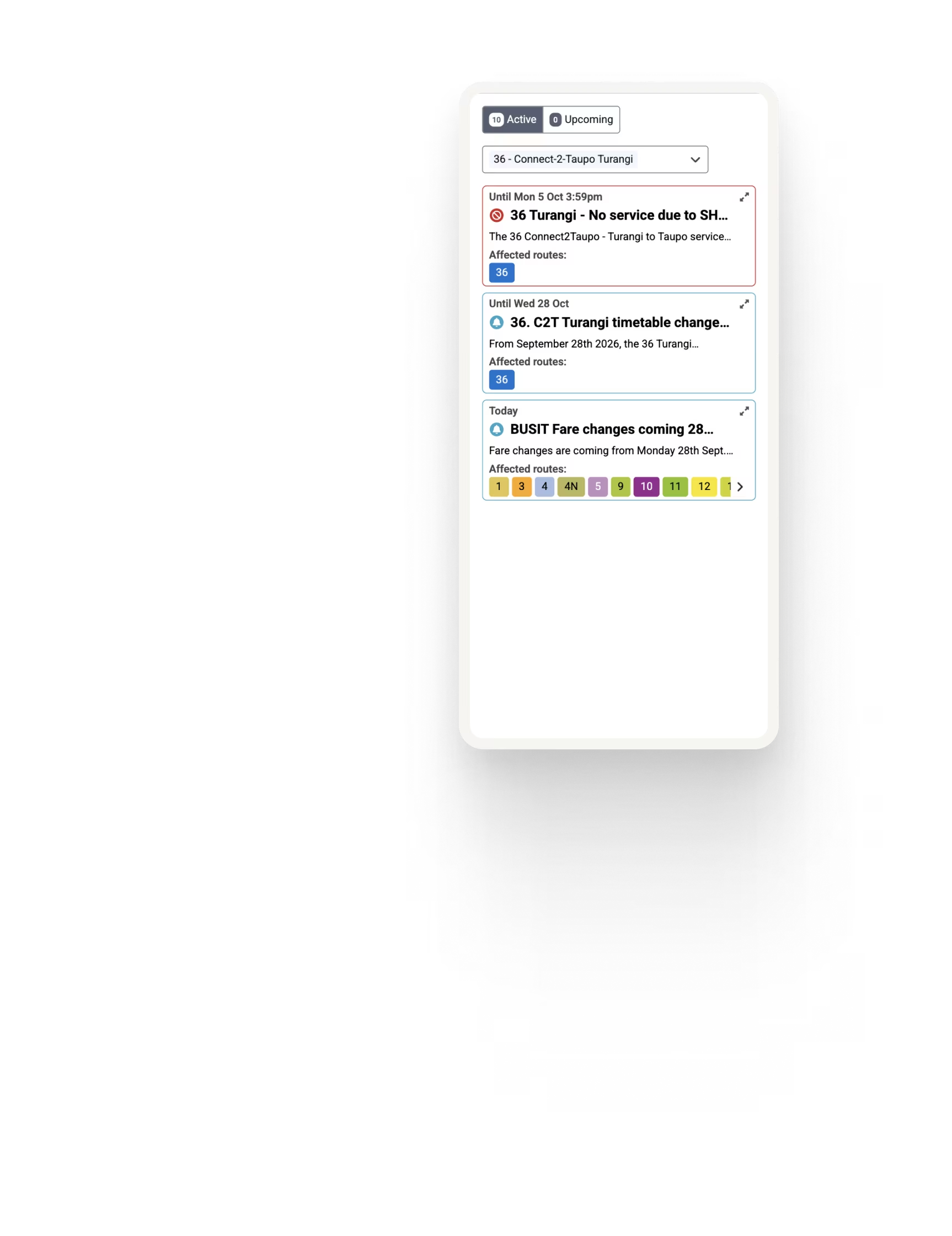
Ride Guide publishes service alerts across your website alongside maps, timetables, routes and stops, as well as on a dedicated alerts page so important information appears where riders are already looking.
Connect alerts with the services they affect
Route-level alerts
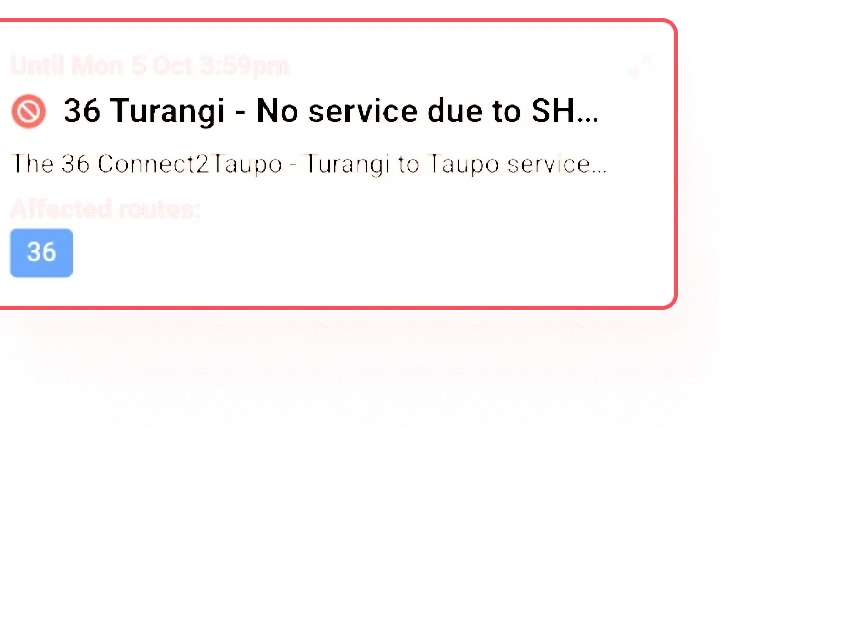
Attach alerts to the routes they affect so riders viewing that service can immediately see relevant disruption information.
Stop-level alerts
Target alerts to affected stops, helping riders understand closures, temporary stop changes or other location-specific disruptions.
Map based alerts
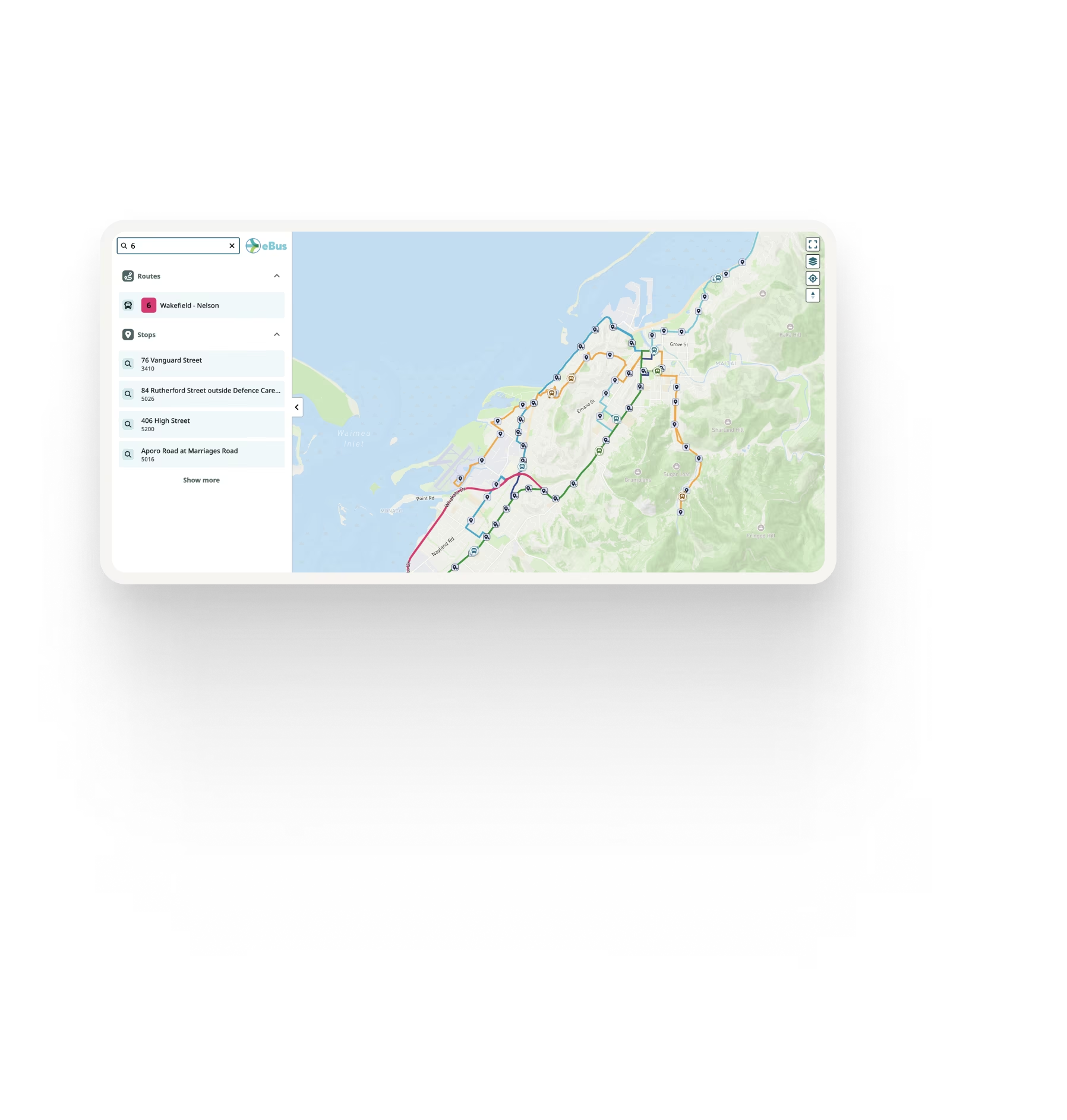
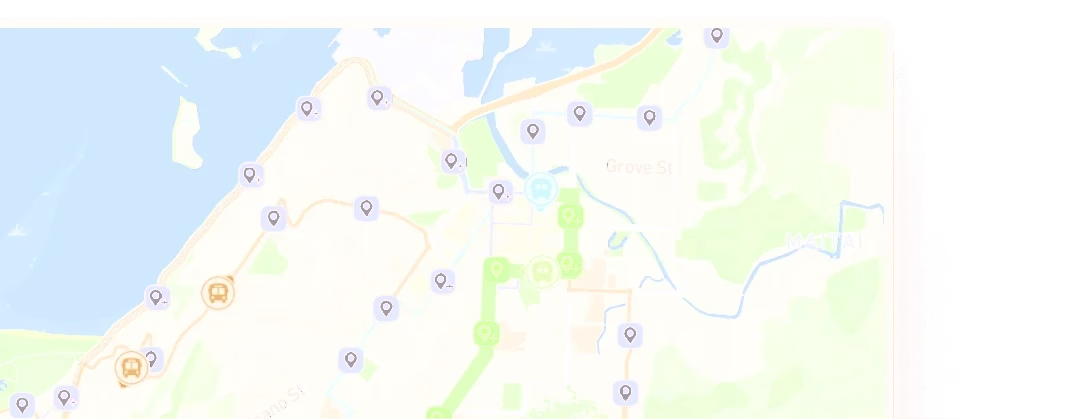
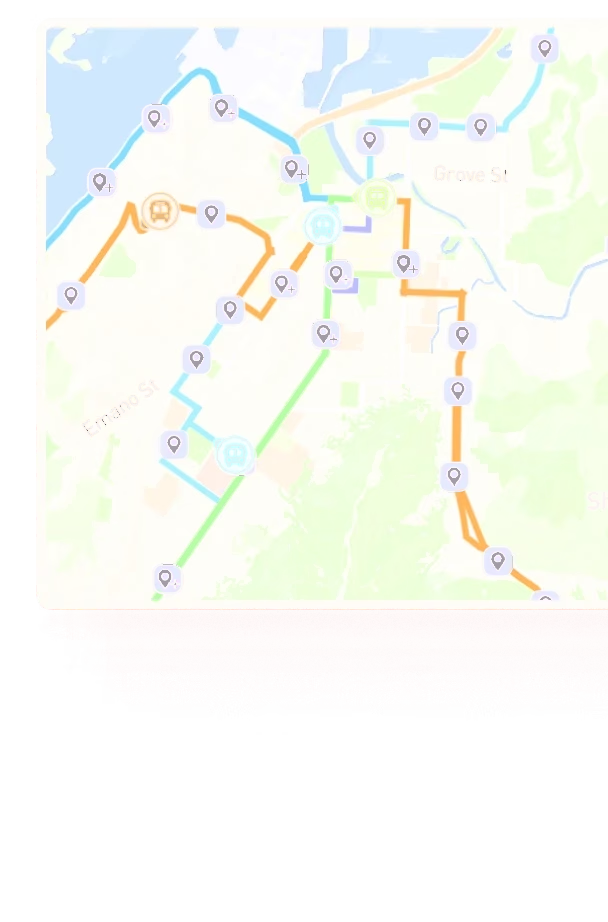
Show alerts within Ride Guide maps so riders can understand disruption in the context of the wider network or individual route.
Trip cancellation
Cancel trips or routes and have that information reflected in Ride Guide departure lists, alert feeds and compatible major transit apps.
Multiple languages
Publish bilingual service alerts with automated translation at the click of a button, helping you communicate clearly with the communities you serve.
Rich content
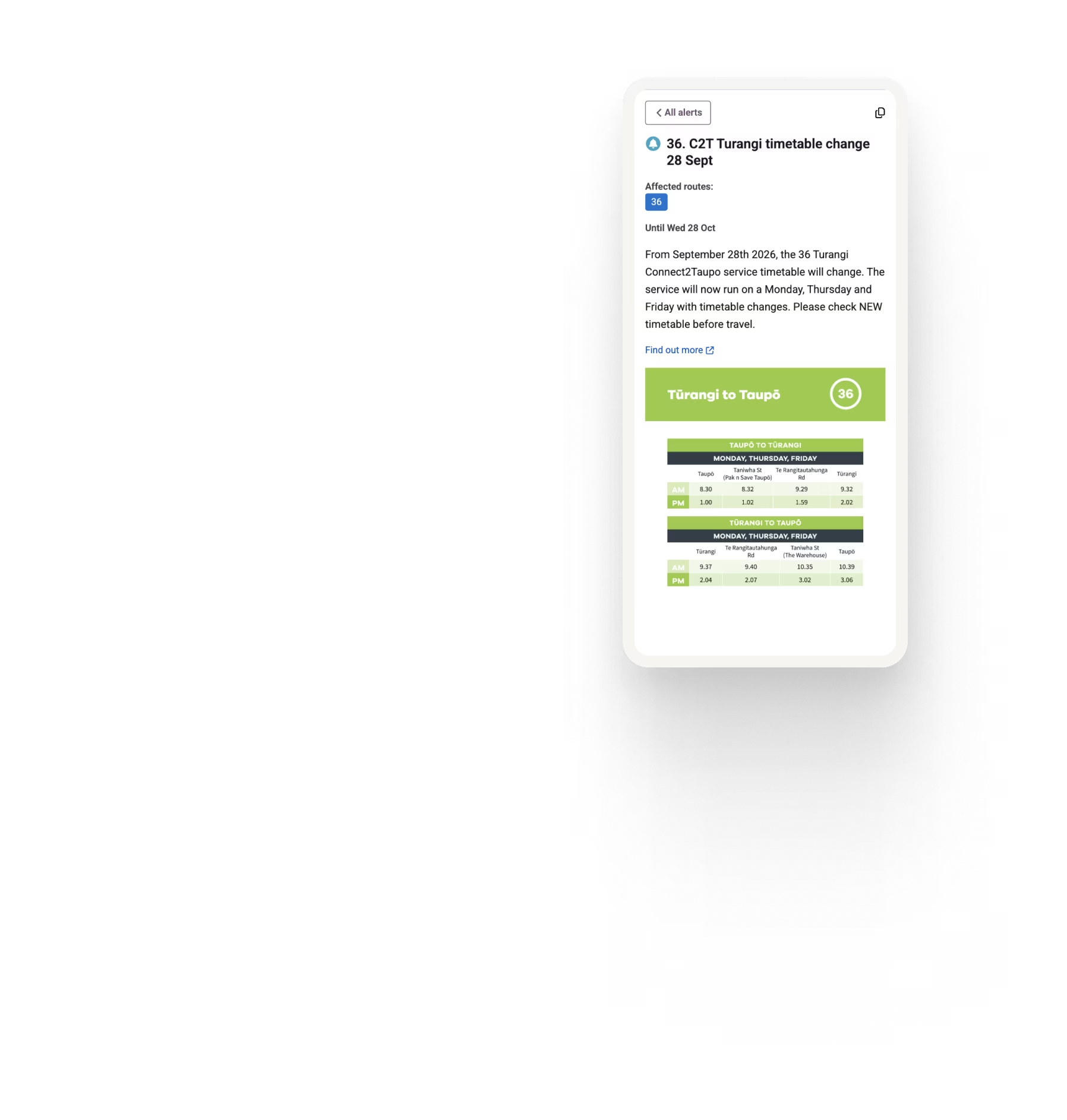
Add images to service alerts to visually explain detours, closures and other important changes that are easier to understand at a glance.
GTFS-Realtime Service Alerts
Ride Guide creates and manages structured GTFS-Realtime Service Alerts, allowing disruption information to be shared consistently across Ride Guide and other systems that consume the agency's GTFS-RT feed.
Give riders useful context before they travel
A useful service alert should help riders quickly answer the questions that affect their journey:
Is my service affected?
Is the route detoured?
What should I do instead?
When does the disruption start and end?
Is my stop closed or relocated?
Ride Guide helps place that information directly alongside the affected service so riders can make informed decisions before and during their journey.


Create once. Publish across your passenger information
Service disruption should not need to be rewritten separately for every passenger channel.
Create the alert in Ride Guide and use Ride Guide’s GTFS-Realtime open feed to distribute the same information across your website, Ride Guide maps and timetables, and compatible third-party rider information platforms.
This reduces duplicated publishing while helping keep service information consistent wherever riders find it.

Part of a connected passenger experience
Service Alerts work alongside the rest of Ride Guide to bring disruption information into the context of the journey.
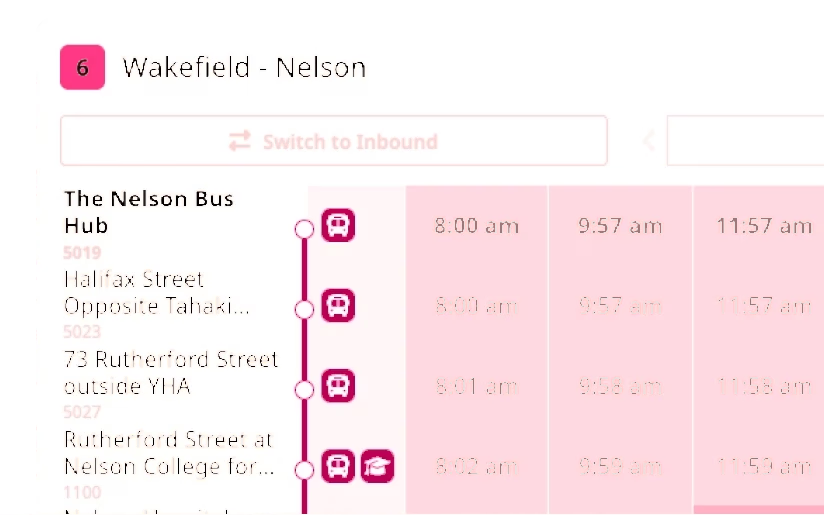
A rider checking a route can see the schedule, understand where it travels, view live information and immediately know whether a current disruption affects them.
See Ride Guide using your network
Share your GTFS feed and we'll show you how Ride Guide could work with your network.