
Passenger information tools built for public transit
Ride Guide turns the transit data you already maintain into clear, accessible information riders can actually use.
Choose the products you need, interactive maps, web timetables, service alerts or PDF schedules, or combine them to create a connected passenger-information experience across your website.
Maps
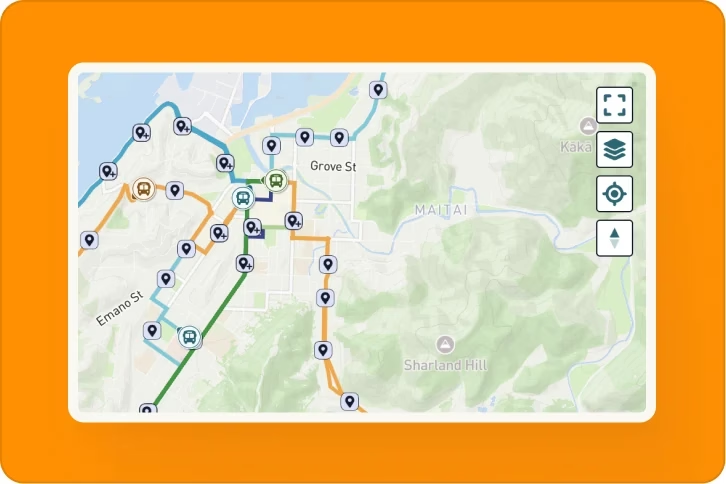
Network Maps
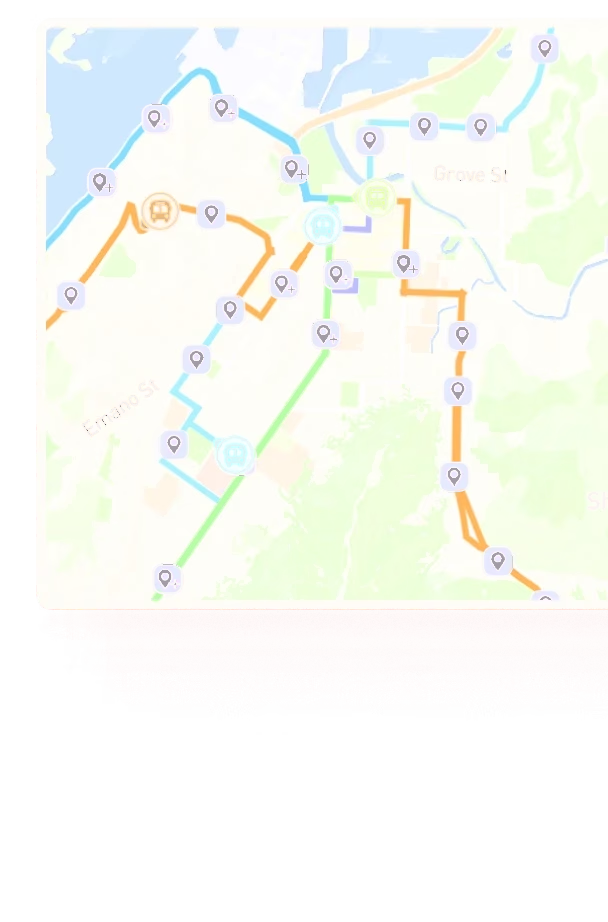
Give riders one interactive view of your entire transit network, including routes, stops and, where GTFS-Realtime is available, live vehicles, departures and service alerts.
Network Maps update from your transit data, removing the need to manually maintain static network maps.
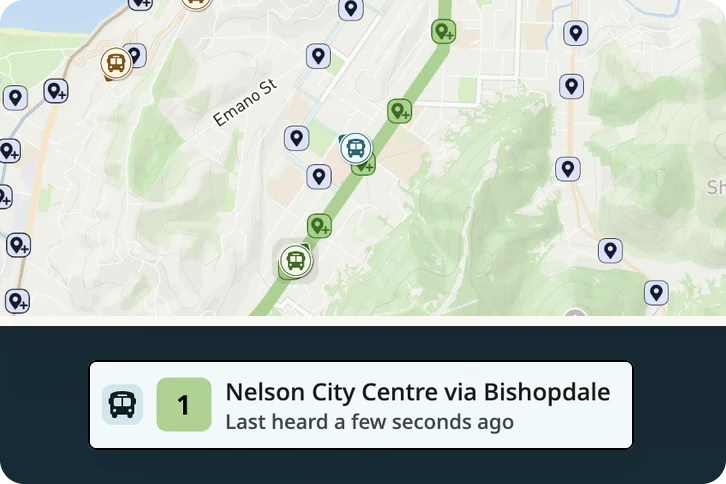
Route Maps
Give every route a clear digital home with an interactive map showing its travel path, stops, directions and relevant real-time information.
Pair Route Maps with Ride Guide Timetables and Service Alerts to create complete route pages without manually maintaining the underlying map.
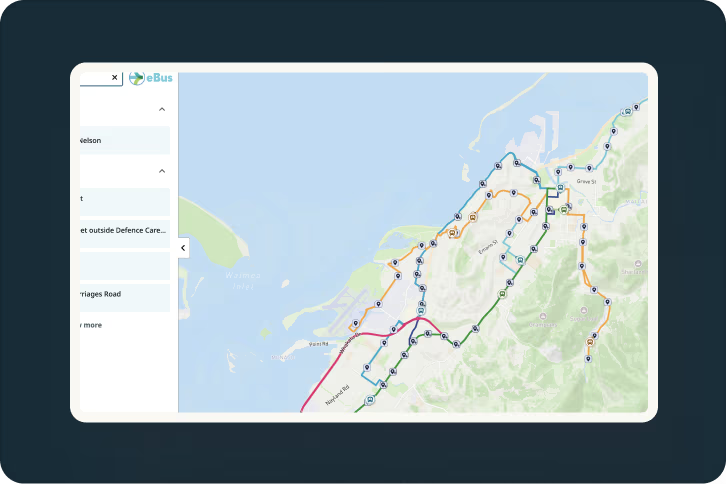
Multi-GTFS Maps
Bring multiple GTFS feeds together in one continuous passenger-facing map.
Designed for statewide networks, large cities, regions and national networks where transit information is maintained across separate feeds, Multi-GTFS Maps let riders see how routes and services connect without having to explore each network individually.
Schedules and timetables
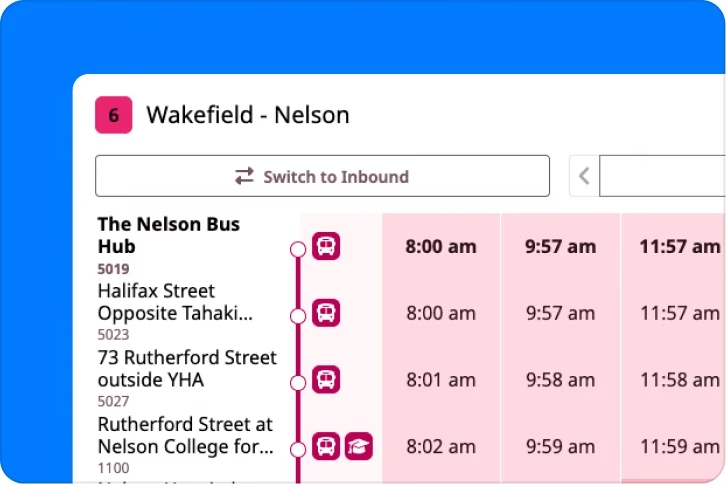
Route Timetables
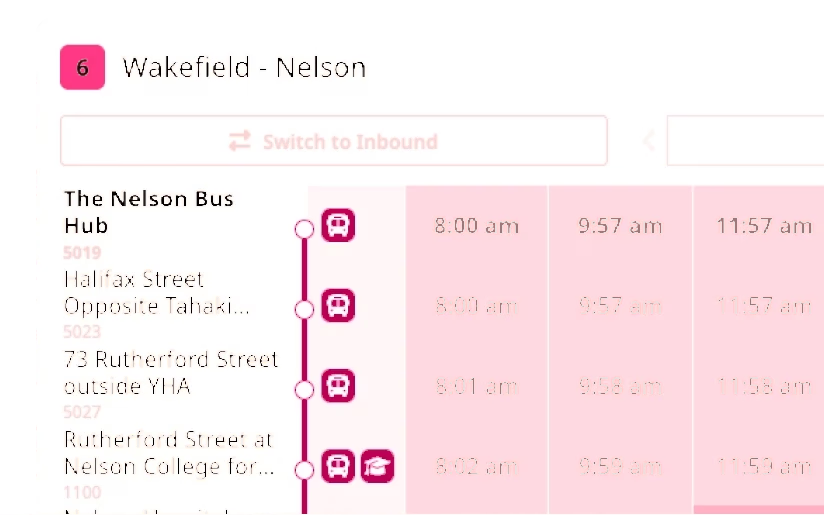
Turn GTFS schedules into clear, responsive web timetables designed for desktop and mobile.
Ride Guide interprets complex trips, calendars and service variations automatically, helping keep passenger schedules current without rebuilding CMS tables whenever service changes.

PDF Schedule Publishing
Generate branded, passenger-ready route timetable PDFs from the same GTFS data that powers your web schedules.
Ride Guide automatically organises service days, exceptions and timetable notes, helping remove the manual interpretation and design work traditionally required to turn GTFS into a printable passenger timetable.
Service alerts and real-time information
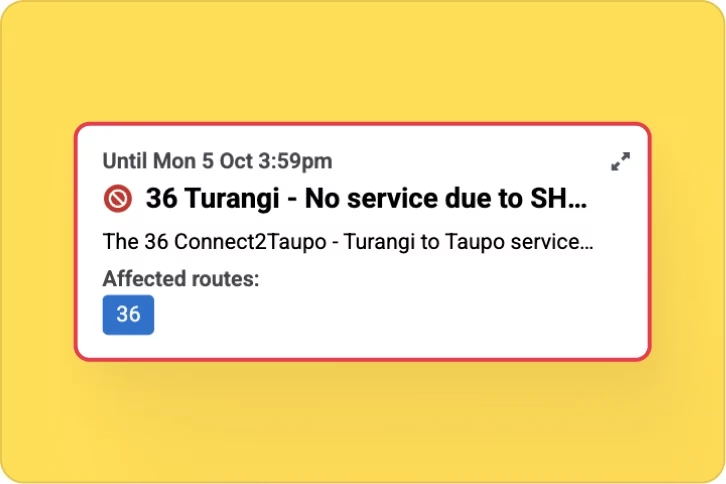
Service Alerts
Create structured GTFS-Realtime Service Alerts and publish disruption information alongside the routes, stops, maps and timetables it affects.
Manage route and stop alerts, trip cancellations, multilingual messaging and rich content from one place, while distributing information across Ride Guide and compatible third-party transit platforms.
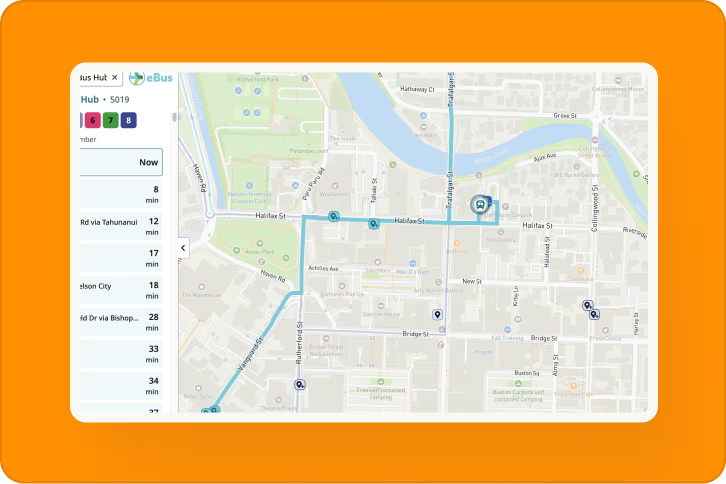
Live information where riders need it
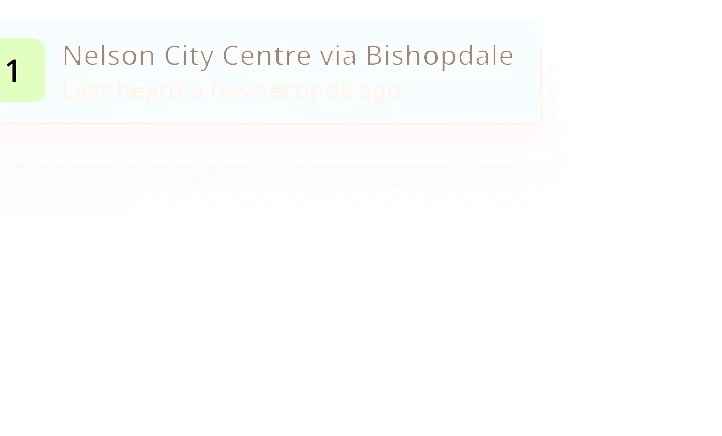
Where GTFS-Realtime is available, Ride Guide can bring live vehicle positions and departure information directly into your maps and stop experiences.
Riders can see vehicles moving across the network, select stops for upcoming departures and understand current service conditions without needing a separate real-time product or app.


One platform. Consistent passenger information.
Ride Guide products are designed to work independently, but their biggest advantage comes from using the same transit data across multiple passenger channels.
Using Ride Guide products together helps provide:
One underlying source for passenger information
Consistent route, stop and schedule information across formats
Common agency branding
Connected maps, timetables, alerts and real-time information
Fewer separate publishing workflows for your team
Less risk of different passenger channels falling out of sync
A rider can explore the network, open a route, check the timetable, see live departures and service alerts, and download the route schedule — all from a connected passenger experience.
Not sure what your agency needs?
Need riders to understand your whole network?
Network MapsNeed to combine multiple GTFS feeds into one map?
Multi-GTFS MapsNeed richer individual route pages?
Route MapsNeed to stop manually maintaining website timetables?
Route TimetablesNeed disruption information where riders actually see it?
Service AlertsNeed passenger-ready PDF schedules?
PDF Schedule Publishing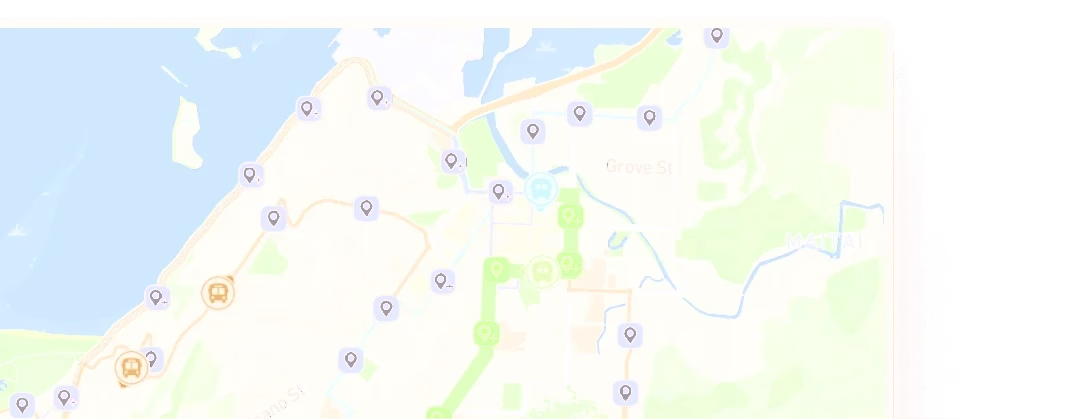
See Ride Guide using your network
Share your GTFS feed and we'll show you how Ride Guide could work with your network.