
Generate passenger-ready route timetables from GTFS
Turn complex GTFS schedule data into clear, branded route timetable PDFs without manually interpreting trips, calendars and service variations every time your schedule changes.
Ride Guide does the difficult work of organising GTFS into passenger-friendly timetables, then keeps your web and PDF schedules connected to the same underlying source.


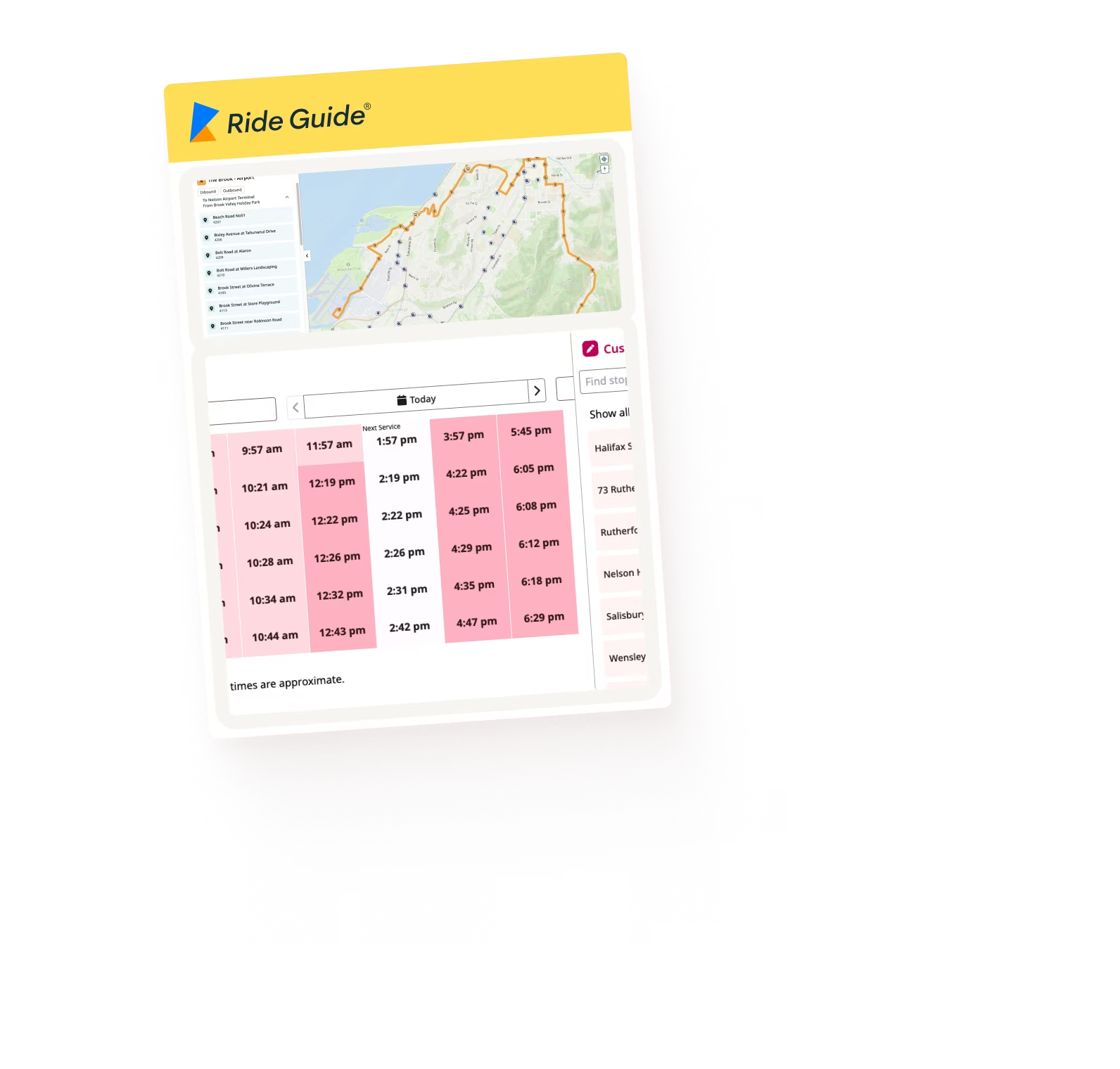
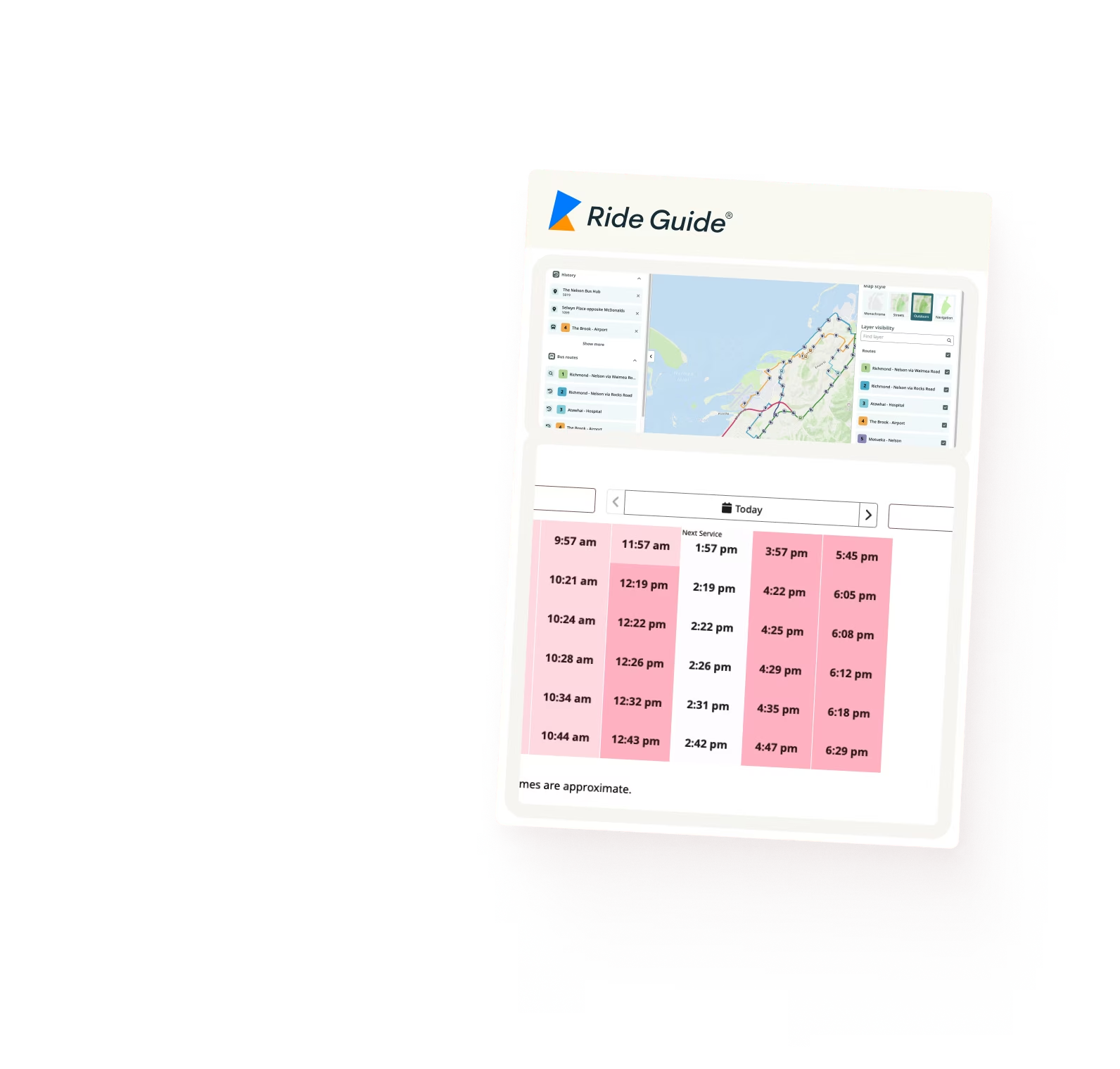

GTFS was never designed to be a passenger timetable
GTFS was designed primarily to exchange transit data with journey planners and other systems. Its structure does not naturally answer a simple passenger question:
“What times does this route run on a weekday, Saturday or Sunday?”
Trips, service calendars, exceptions, route variations and special operating days can make turning GTFS into a traditional timetable surprisingly complex. Particularly for agencies with large or irregular networks.
Ride Guide interprets that structure for you, turning the underlying GTFS into a timetable that makes sense to passengers without requiring staff to manually group and reorganise the schedule.
Timetables that organise themselves
Ride Guide is designed to automate the decisions that traditionally require manual timetable preparation.
It can identify patterns in your GTFS and organise trips into logical passenger-facing schedules, reducing the need for custom formatting and manual intervention every time services change.
Automatic service-day grouping
Trips are automatically grouped into logical timetable periods such as Weekday, Saturday and Sunday based on the service defined in GTFS.
Intelligent schedule combinations
Where different service days use the same schedule, Ride Guide can combine them into clearer passenger-friendly groups, for example Sunday & Public Holidays, rather than unnecessarily repeating the same timetable.
Special-service detection
Ride Guide can identify schedule exceptions such as school services, public holidays and other special operating patterns and present them appropriately.
Automatic timetable notes
Trips that operate only on particular days or under specific conditions can be identified and clearly footnoted, for example, a late-night journey that operates on Fridays only.
The result is a timetable that reflects the complexity of the underlying service without requiring passengers to understand the complexity of GTFS.
One schedule source. Web and PDF together.
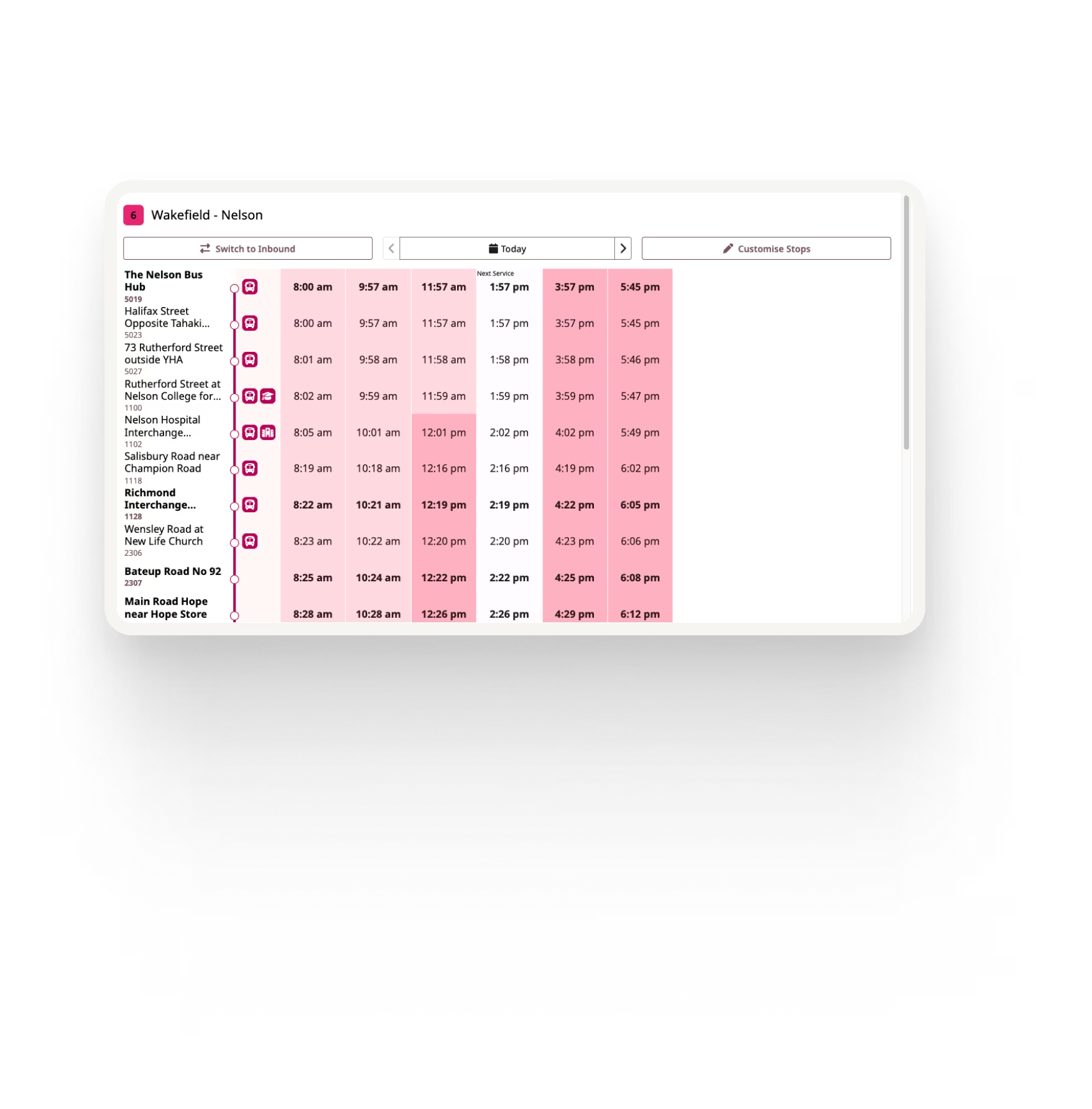
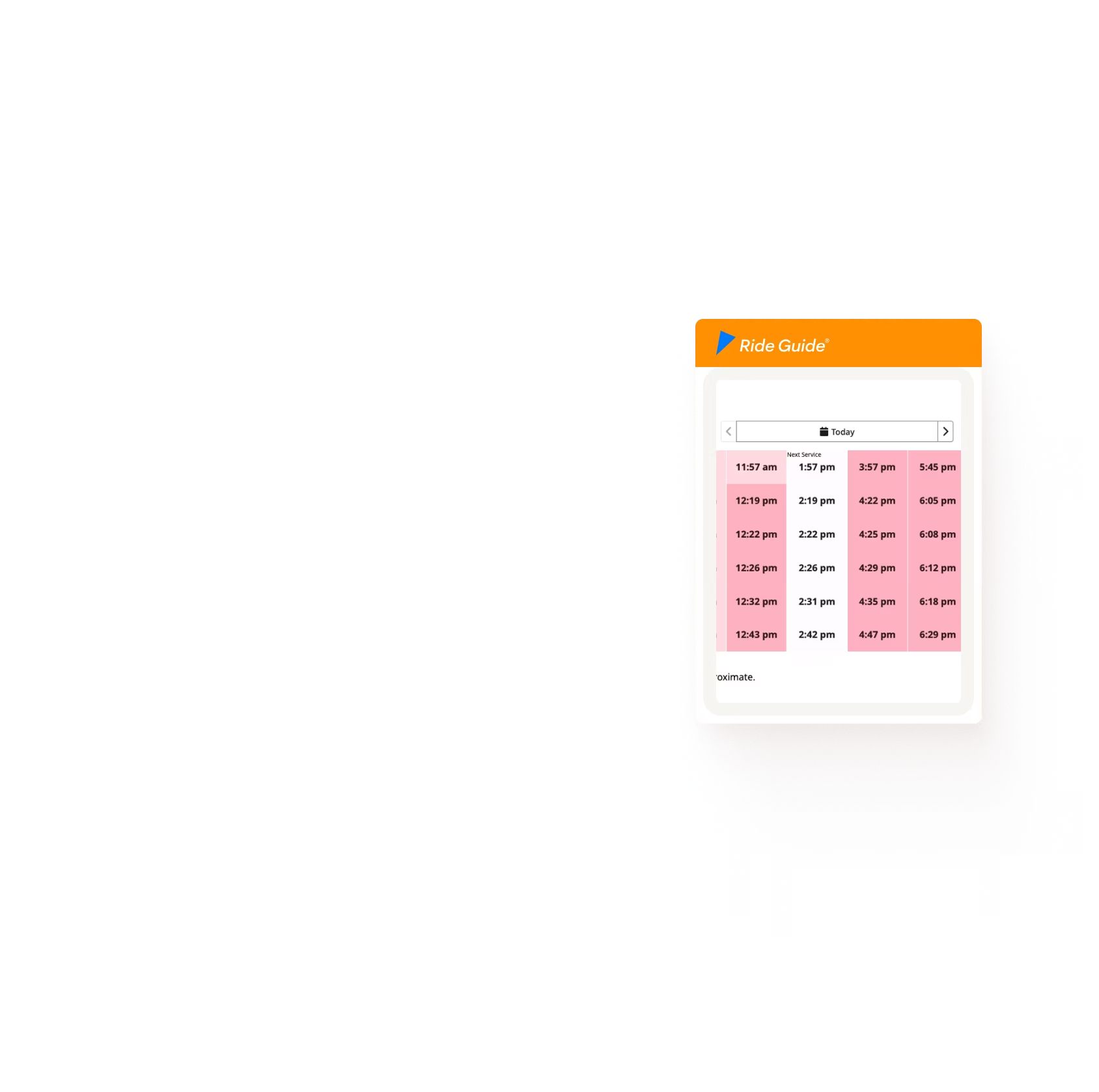
The same GTFS schedule can power both your Ride Guide web timetable and downloadable route timetable.
When your service changes, you update the transit data rather than manually maintaining separate timetable versions. This helps keep your website and downloadable schedules aligned while reducing duplicate publishing work.
Designed for passengers, not databases
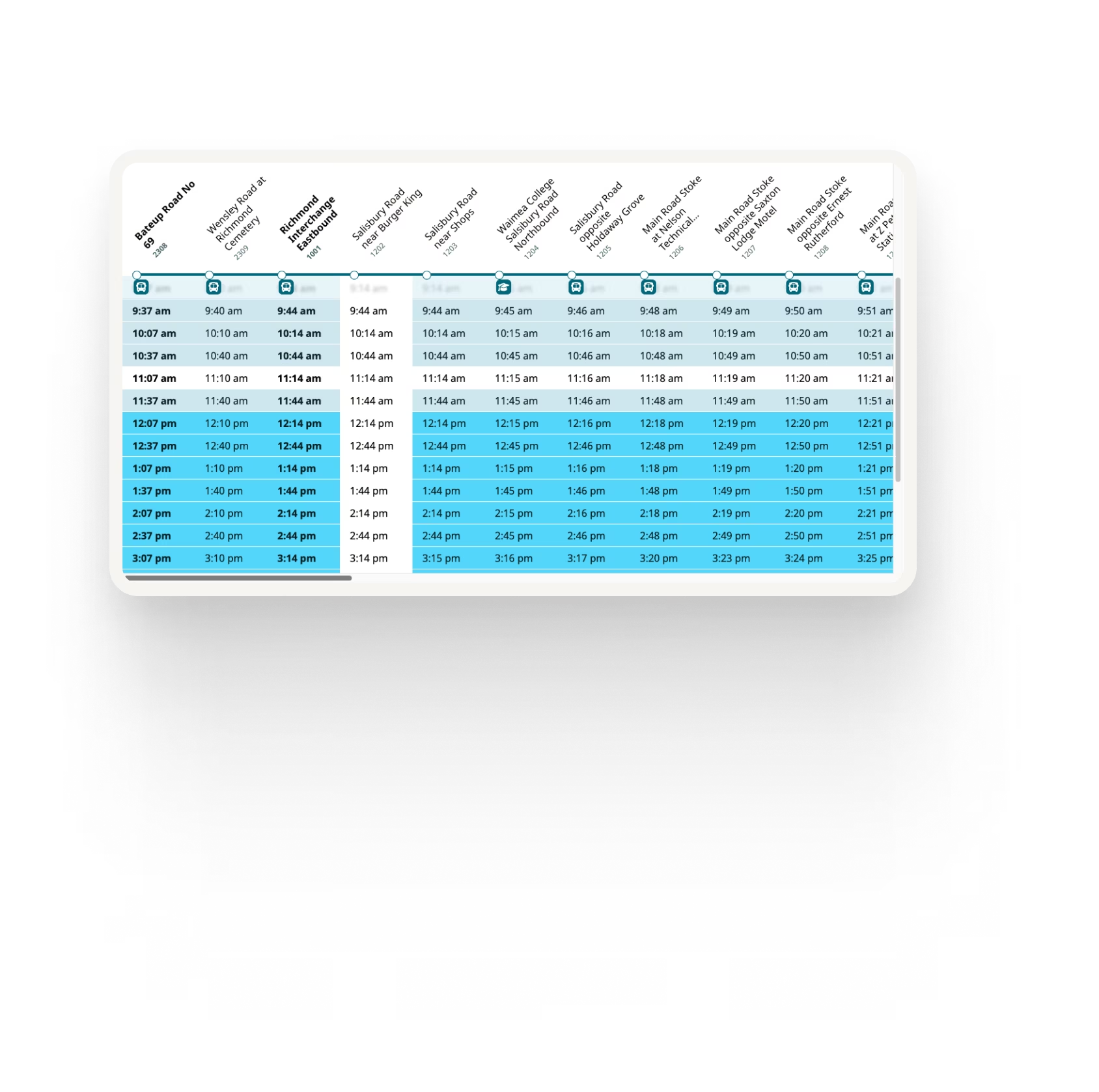
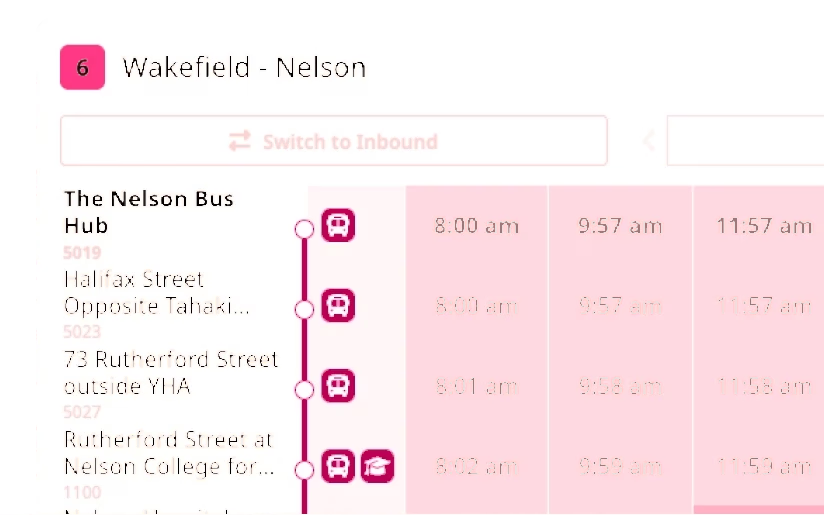
Clear timetable layouts
Turn complex schedule data into easy-to-read route timetables organised around the way passengers actually understand service.
Route maps and stop information
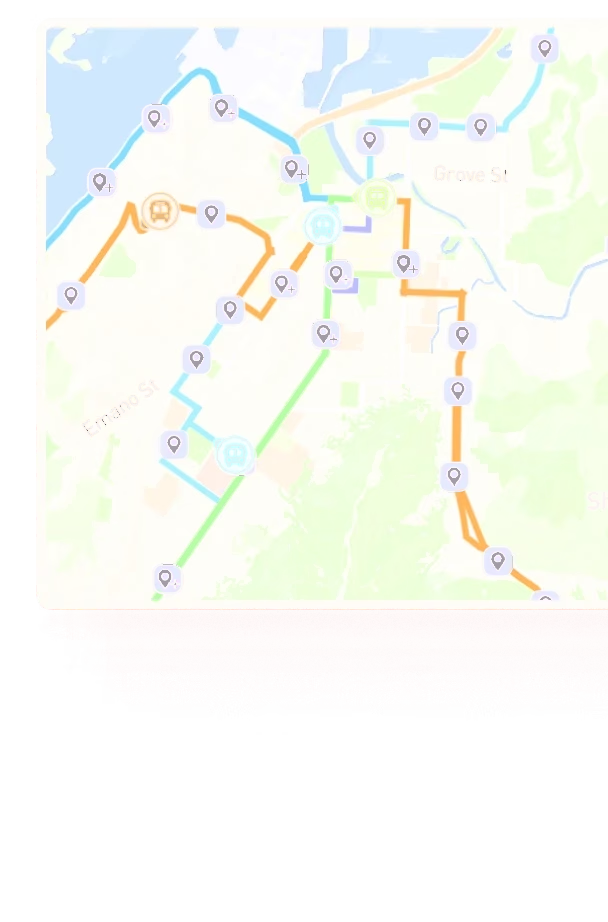
Combine the timetable with route geography and relevant stop information to give passengers a complete route schedule.
Built around your brand
Use your agency colours, fonts, logos and timetable styling to create consistent route schedules across your network.
Consistent templates
Define the timetable design once and apply it consistently across routes, rather than individually designing every schedule.
Accessible web and PDF timetables
Both Ride Guide web timetables and generated PDF timetables are screen-reader accessible and designed to meet WCAG 2.2 Level AA, giving passengers an accessible timetable experience in either format.
Let passengers download the timetable themselves
Add a Download Timetable option directly to your website, giving passengers immediate access to the current PDF schedule for the route they are viewing.
This keeps downloadable schedules connected to the same passenger experience rather than requiring riders to search through a separate document library.

Publish service changes without redesigning the timetable
When schedules change, the difficult part should be updating your transit service, not rebuilding the passenger timetable afterwards.
Because Ride Guide interprets the GTFS and applies your timetable rules and design automatically, updated schedules can be generated without repeating the same manual grouping, formatting and design work.
Change the service data. Ride Guide handles the timetable.
Better for your team. Better for riders.
For your agency
No manual interpretation of GTFS calendars and trips
Automatic grouping of passenger service days
Automatic handling of schedule exceptions and footnotes
No custom timetable design work
One source behind web and PDF schedules
Faster publishing when services change
For riders
Timetables organised around understandable service days
Clear information about special and limited services
Consistent web and downloadable schedules
Accessible web and PDF formats
Direct timetable downloads from the route experience
See Ride Guide using your network
Share your GTFS feed and we'll show you how Ride Guide could work with your network.