Statewide & multi-GTFS transit maps
Multi-GTFS Maps combine multiple GTFS feeds into one interactive transit map, giving riders a single view of fixed-route, on-demand and flexible transit services across separate networks.
Where available, GTFS-RT feeds can also be connected for each GTFS source to provide live vehicle locations, stop departures and service alerts.


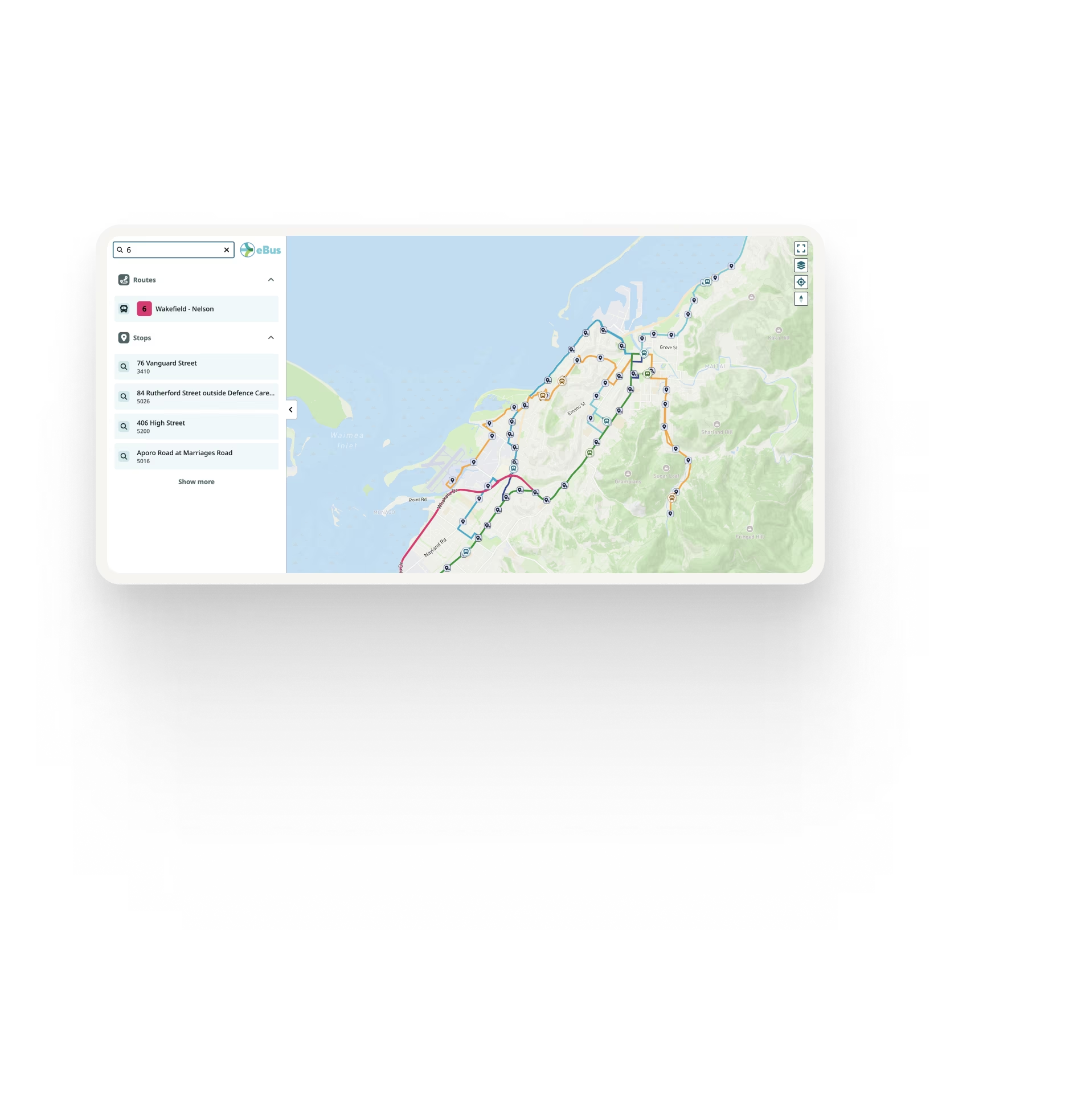

Help riders understand the complete network
Transit information is often split across separate GTFS feeds, making it difficult for riders to understand how neighbouring networks connect.
Other regional maps show only geographic boundaries at wider zoom levels, requiring riders to open each individual network before seeing its routes and stops.
Multi-GTFS Maps bring those networks together so riders can see routes, stops and connections across feeds in one continuous map.
Everything riders need on one map
Routes and stops across multiple GTFS feeds
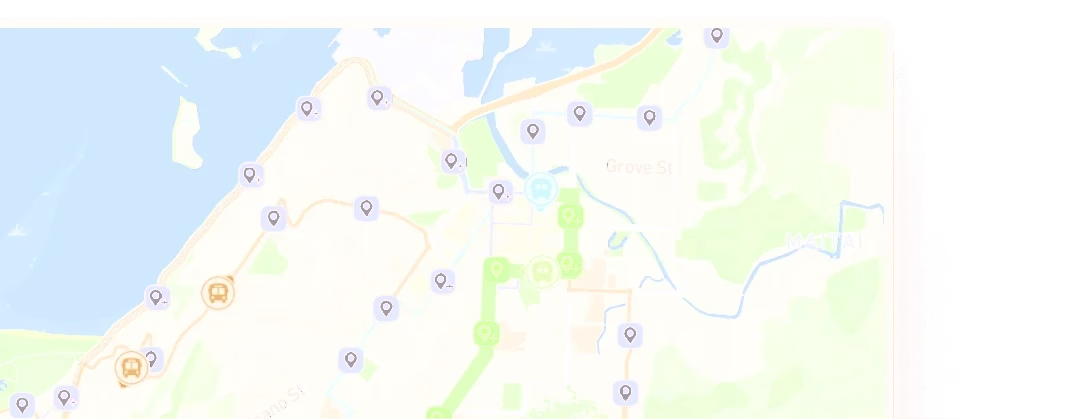
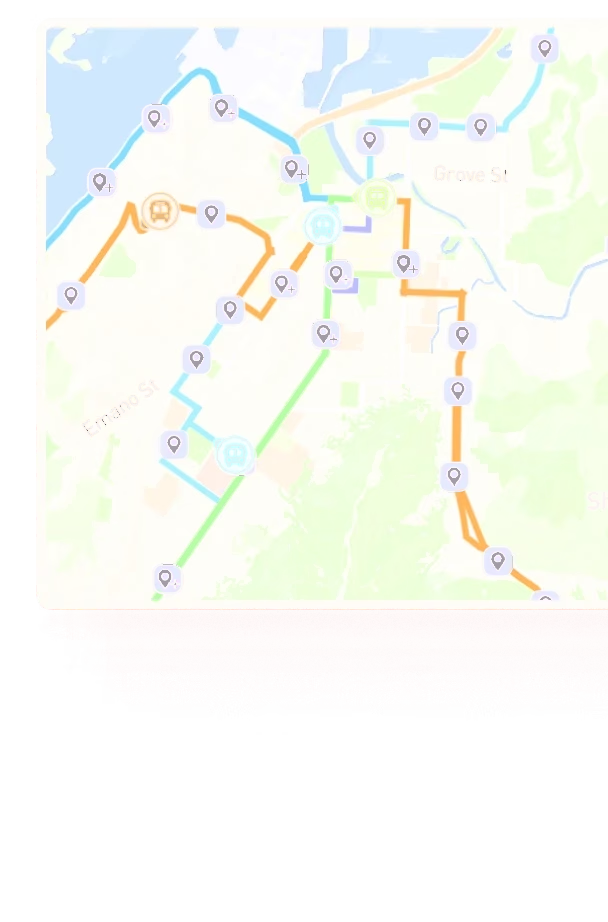
Routes and stops from multiple GTFS sources are combined into a single network view, allowing riders to see how services intersect across different feeds.
On-demand and flexible services
Display on-demand, demand-responsive and GTFS-Flex services alongside fixed-route transit, giving riders a more complete view of the transport options available across the network.
Live vehicle locations
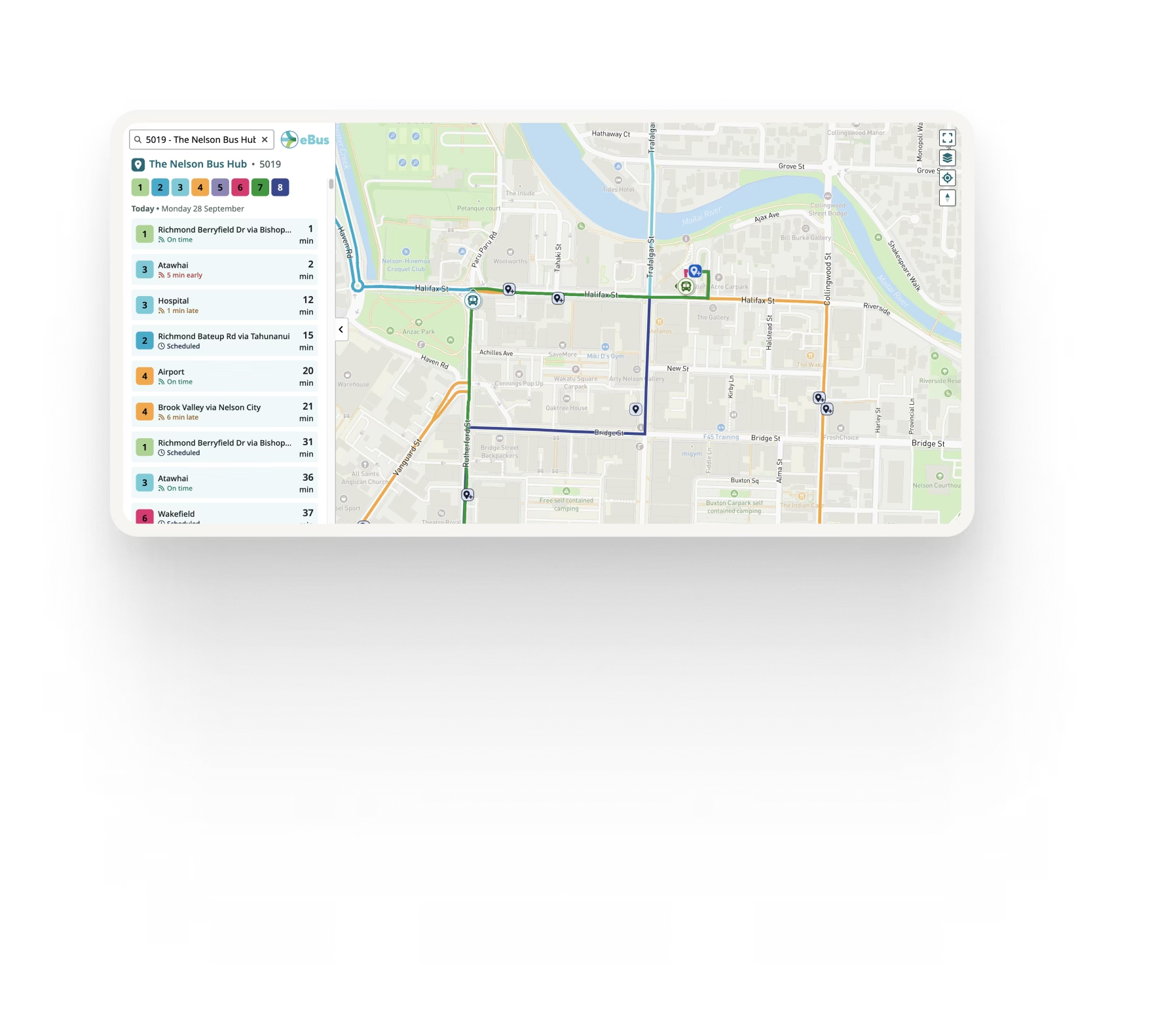
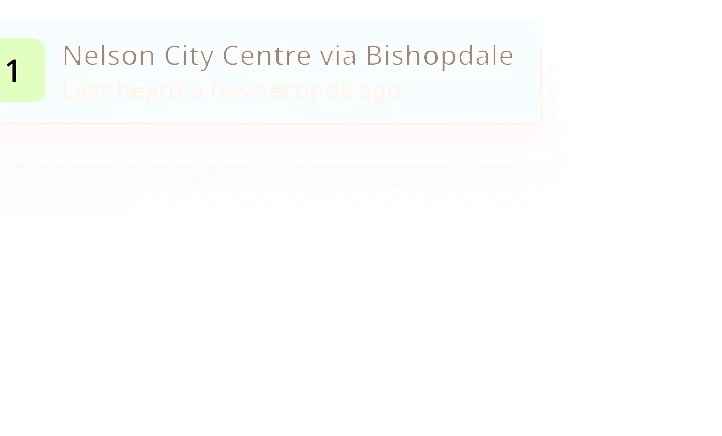
GTFS-RT vehicle positions from each connected feed can be displayed directly on the combined map.
Live departures
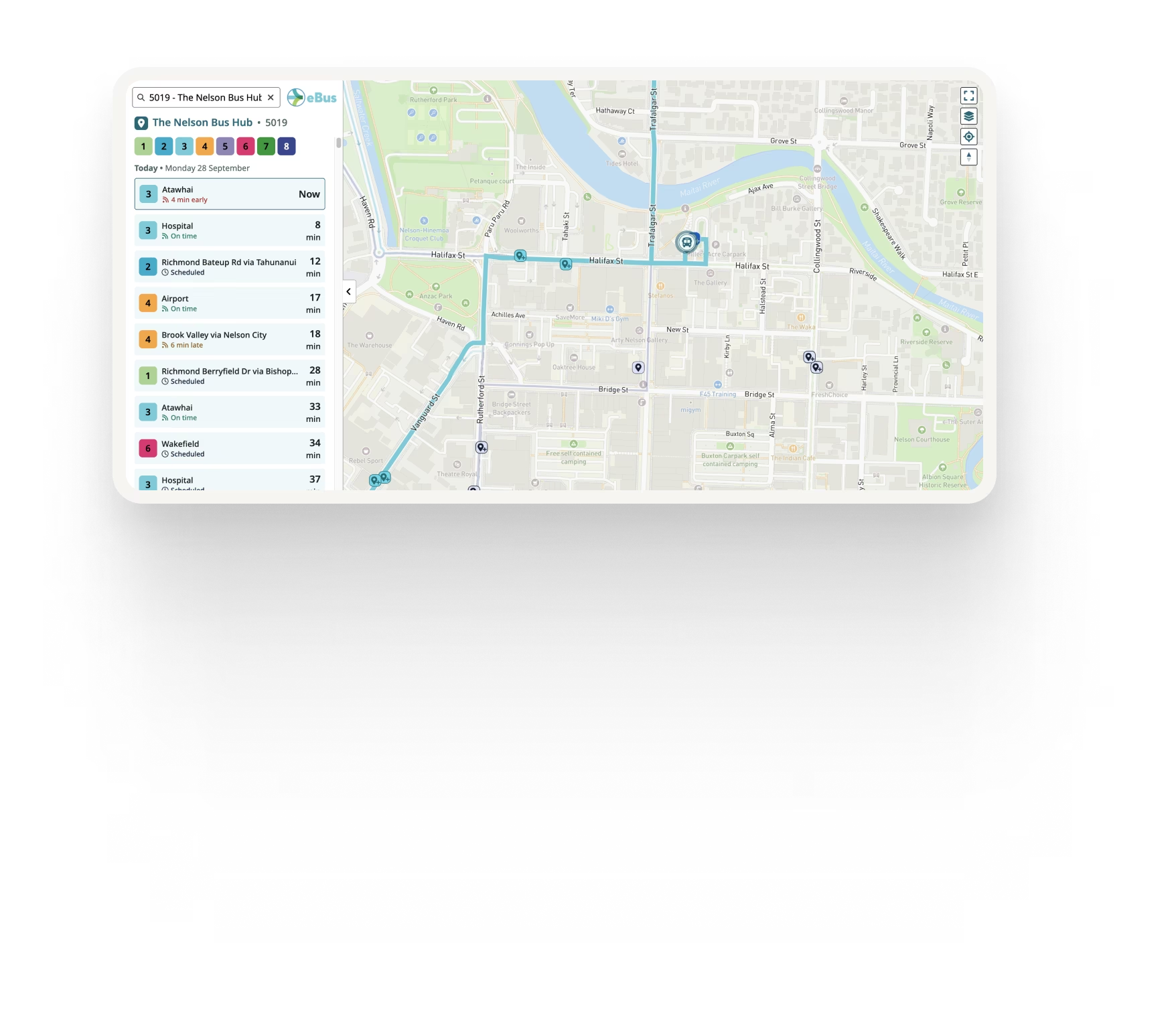
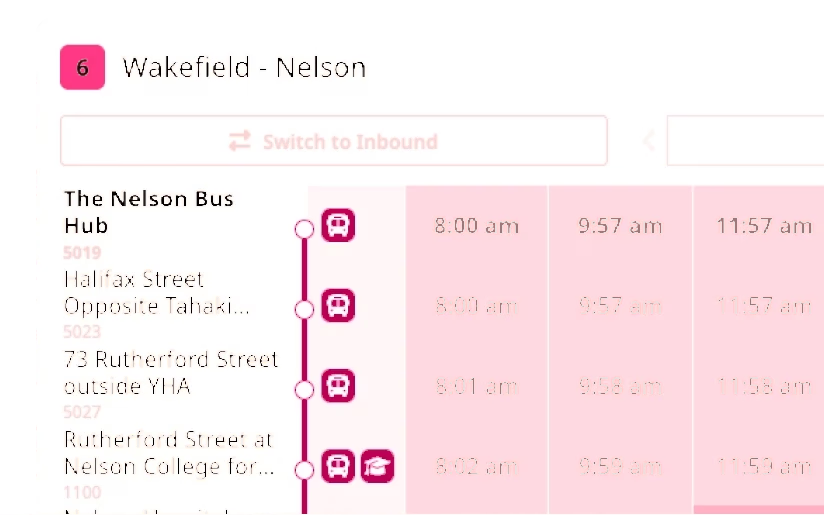
Riders can select a stop and view upcoming departures, with GTFS-RT Trip Updates the scheduled times are replaced with real-time information.
Service alerts
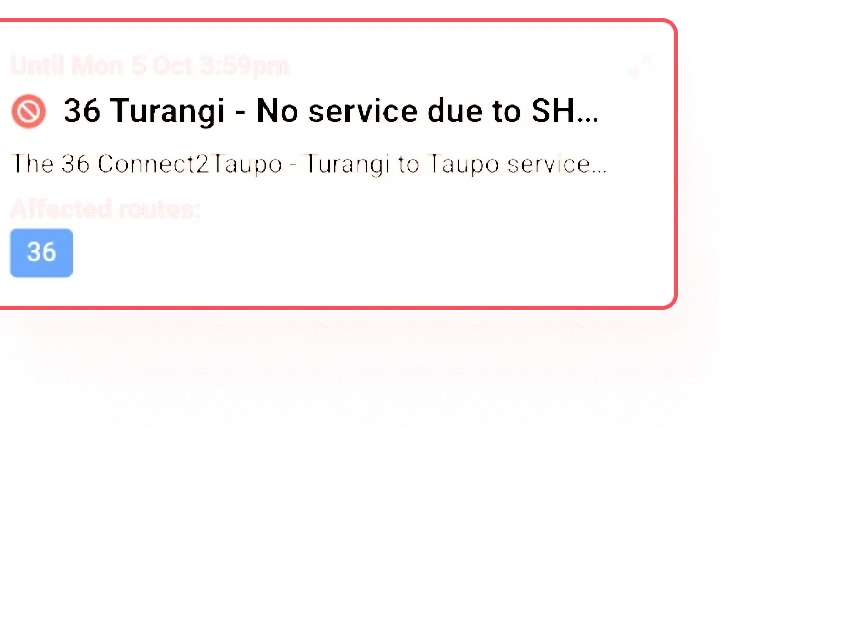
GTFS-RT service alerts from participating networks are displayed alongside the services they affect.
Agencies, routes and stops
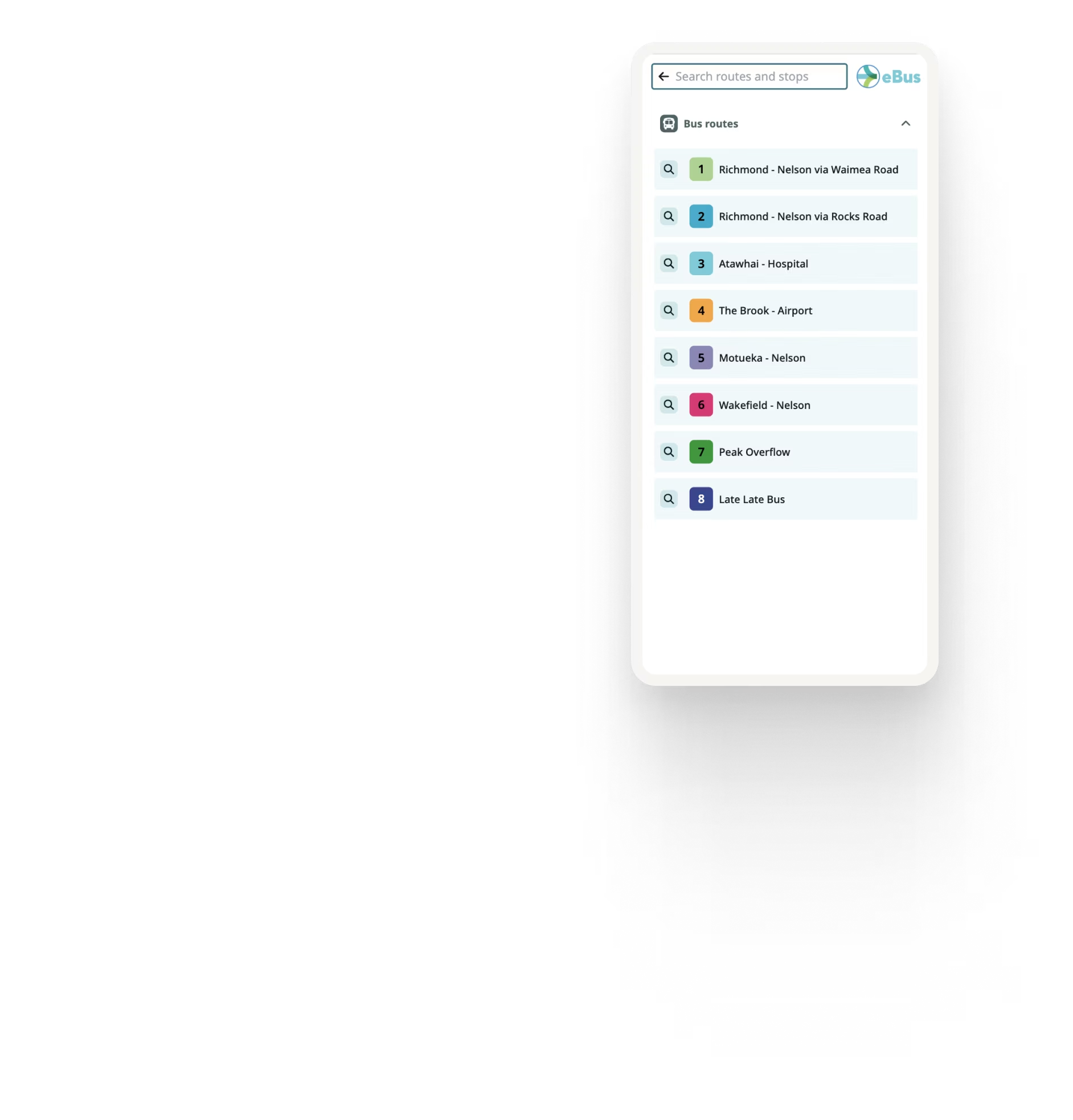
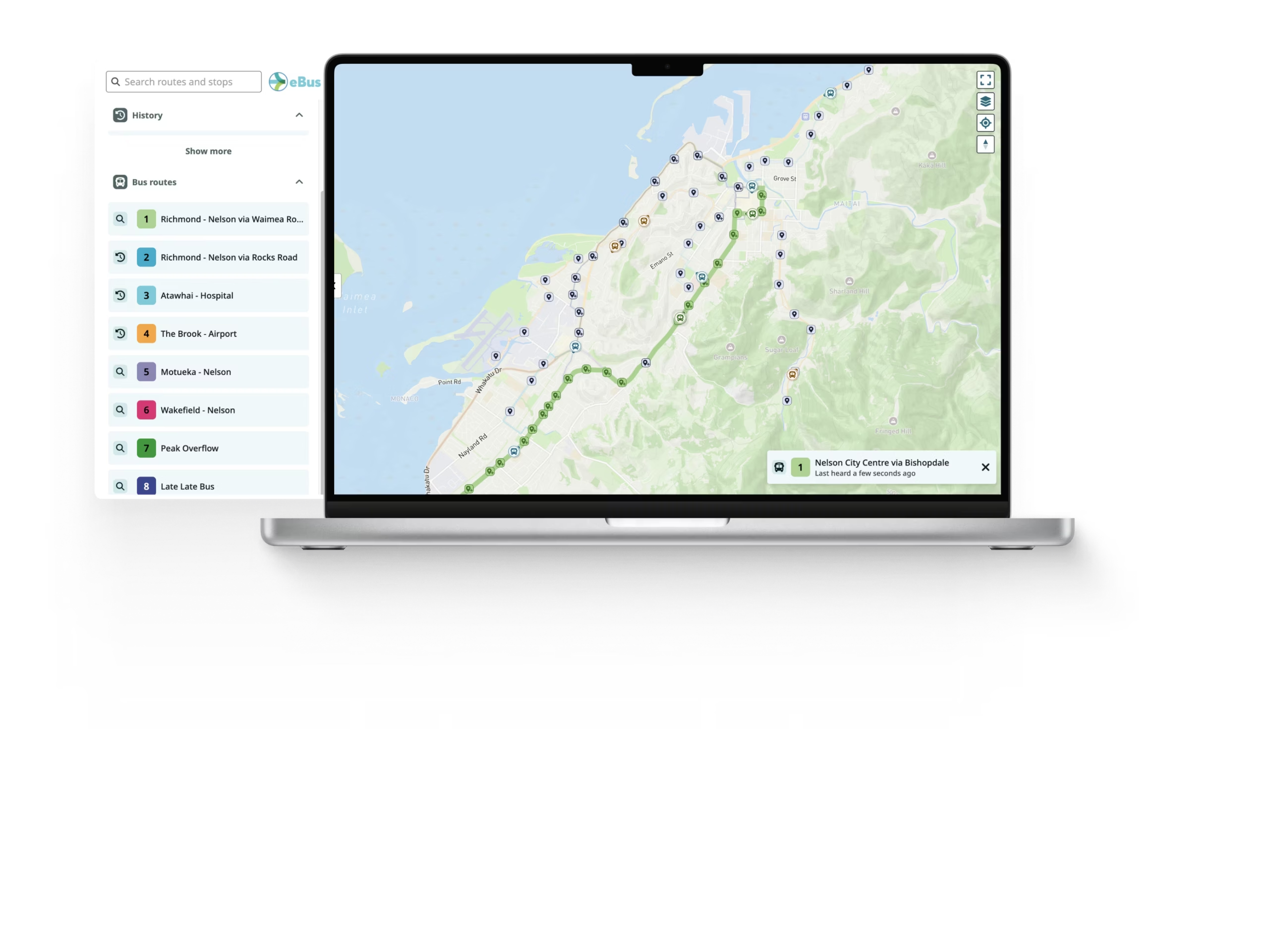
Riders can browse the agencies, routes and stops represented across the combined network.


Multiple GTFS feeds, one passenger experience
Ride Guide can fetch and combine GTFS data from multiple locations rather than requiring all transit information to be maintained within a single feed.
Each source can continue to be maintained independently while Ride Guide presents the combined network as one passenger experience.
Where available, separate GTFS-RT sources can also be connected for each feed.

See the network, not just its boundaries
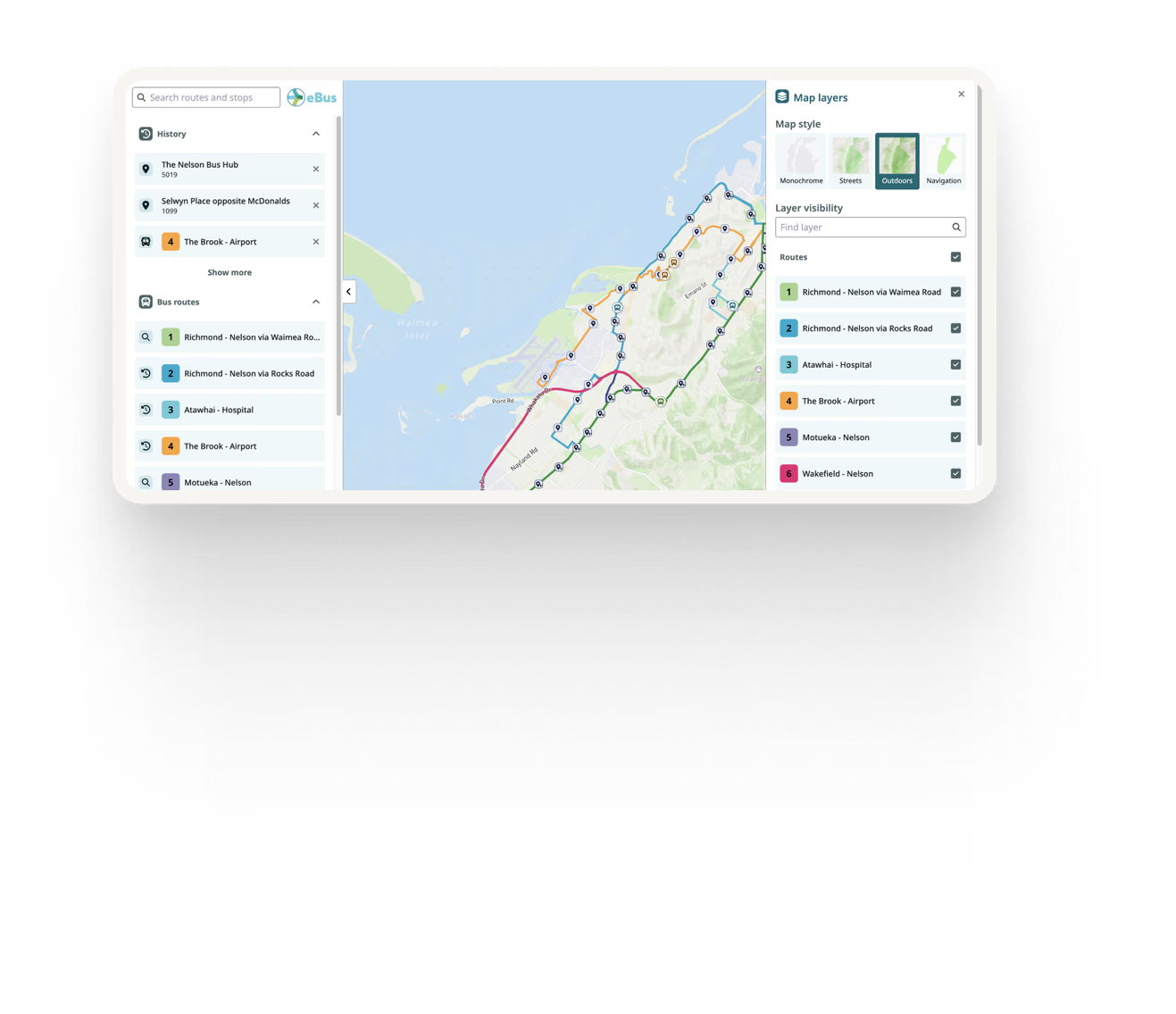
Ride Guide displays the actual routes, stops and transit information from each GTFS feed across the wider map, rather than limiting the regional view to geographic boundaries.
This allows riders to see how routes from separate feeds intersect and connect without first having to select and open each network individually.
From major cities to statewide and national networks
Multi-GTFS Maps are not limited to statewide deployments. They can bring together separate GTFS feeds across a large city with multiple operators, a regional transport network, an entire state, or even a country.
Wherever transit information is maintained across multiple feeds, Ride Guide can combine those networks into one continuous passenger experience while allowing each underlying GTFS source to remain independently managed.
A large city with multiple operators
A regional transport network
An entire state
A country

Designed around your network
Multi-GTFS Maps can be configured to reflect the participating networks and the way passengers need to navigate them, including:
Agency logos
Route colours
Font
Map styling
Configurable passenger information
Custom geographic layers
Built for every screen
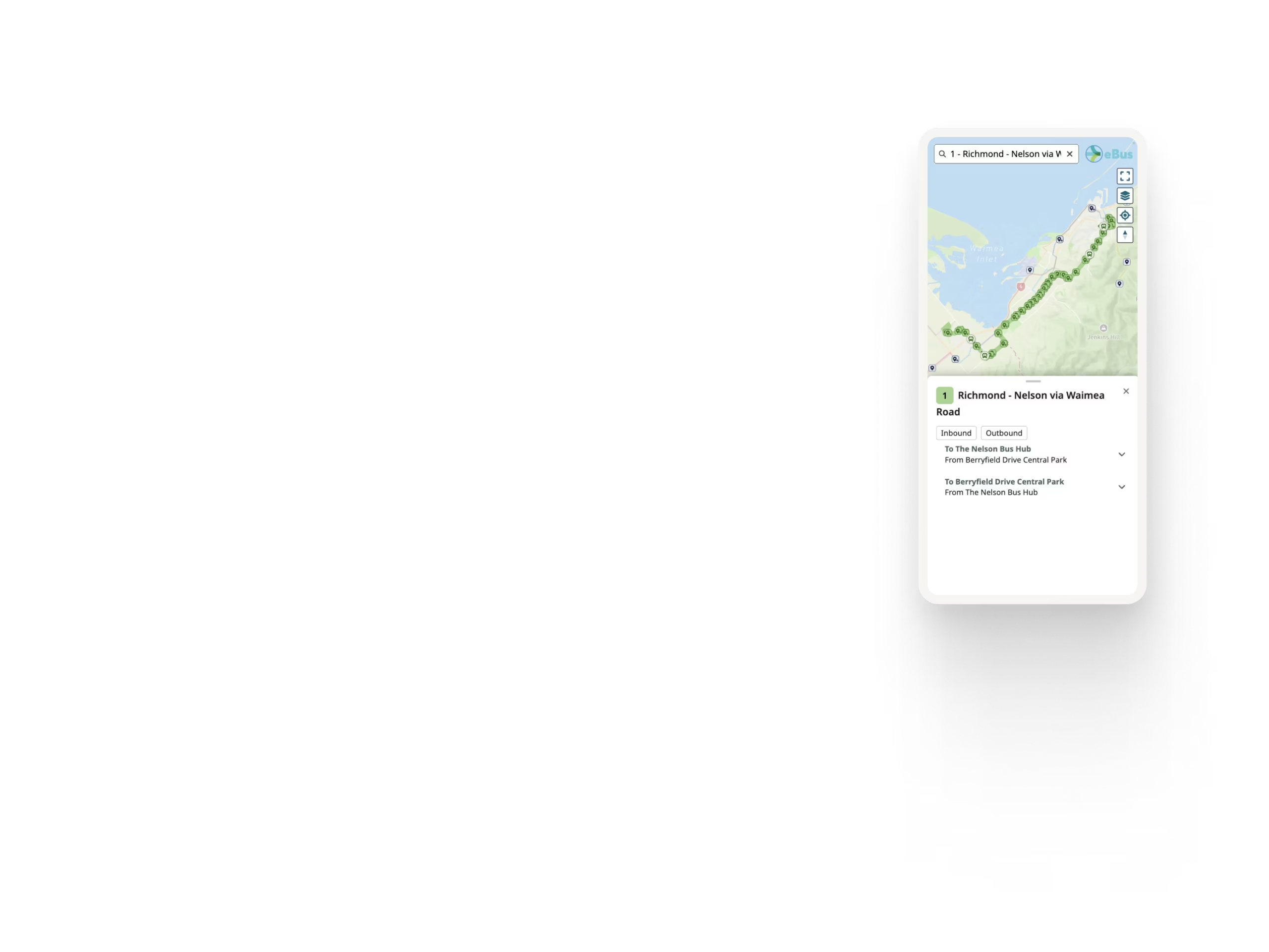
Multi-GTFS Maps are designed for both desktop and mobile use, with responsive layouts, touch interaction, stop lookup, clear agency and route navigation, and accessible interface behaviour.
See Ride Guide using your network
Share your GTFS feed and we'll show you how Ride Guide could work with your network.