
Interactive Network Maps for public transit
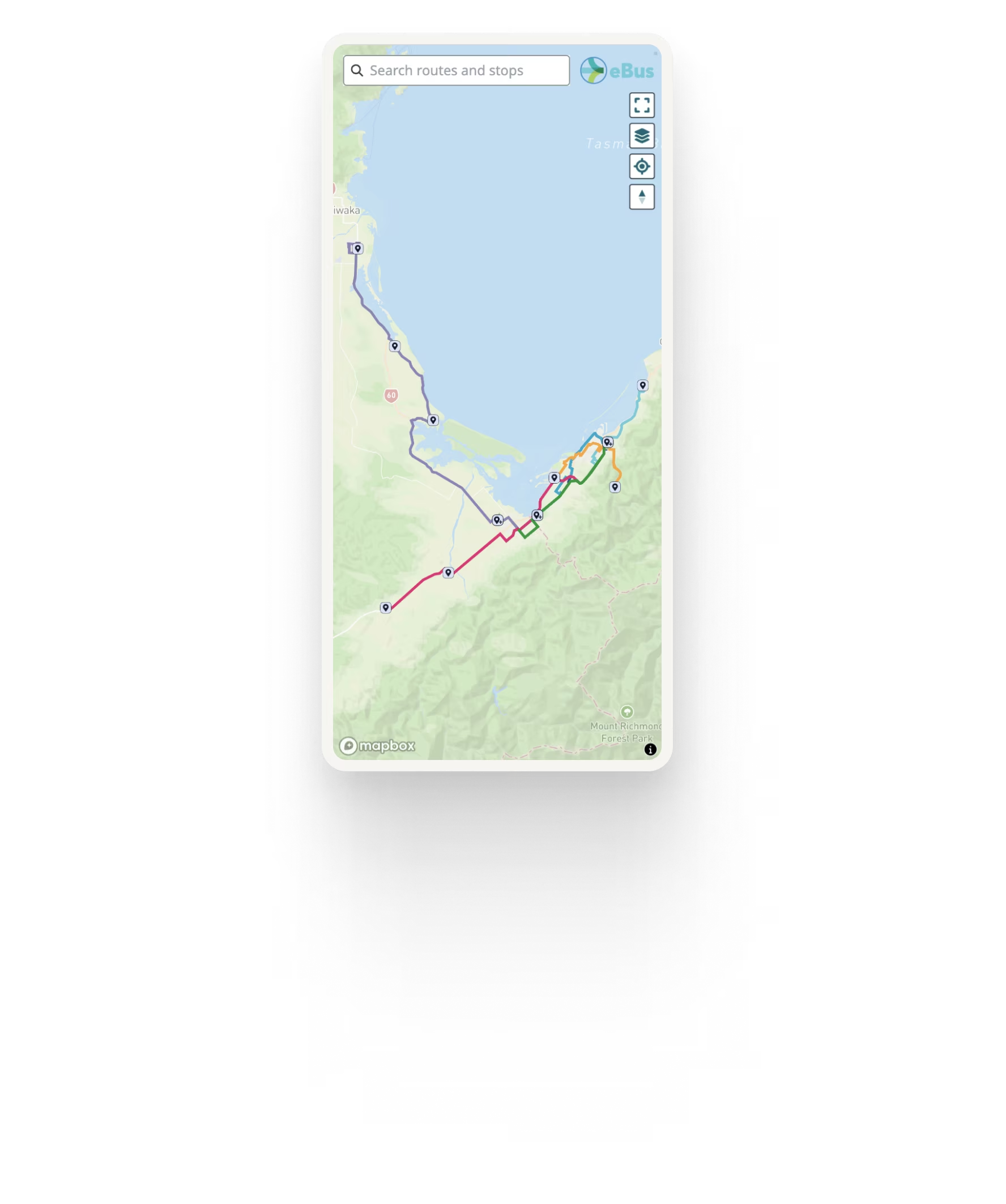
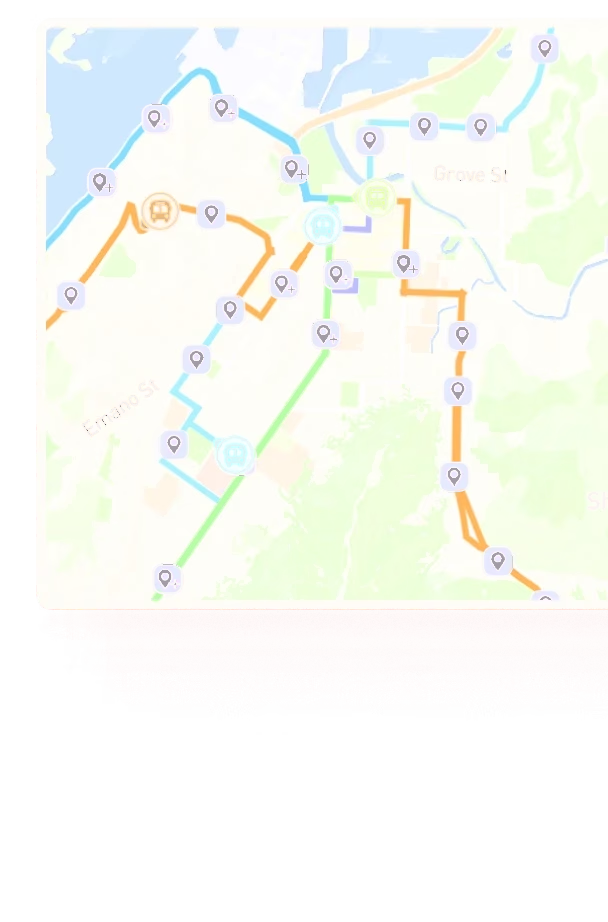
Ride Guide Network Maps give riders one clear, interactive view of your entire transit network, powered directly from your GTFS data.
Riders can explore routes and stops across the network and, where GTFS-RT is available, see live vehicle locations, departures and service alerts within the same map.



Help riders understand your entire network
Static network maps
Static network maps are useful for showing geography, but they cannot easily provide live information or let riders explore individual routes and stops.
Trip planners
Trip planners are great for answering a specific question “how do I get from A to B?” but they do not always help riders understand the wider network, what routes are available, or how services connect.
Ride Guide Network Maps
Ride Guide Network Maps bridge that gap, giving riders an interactive way to explore the whole network and then drill into the services and stops that matter to them.
Everything riders need on one map
Routes and stops
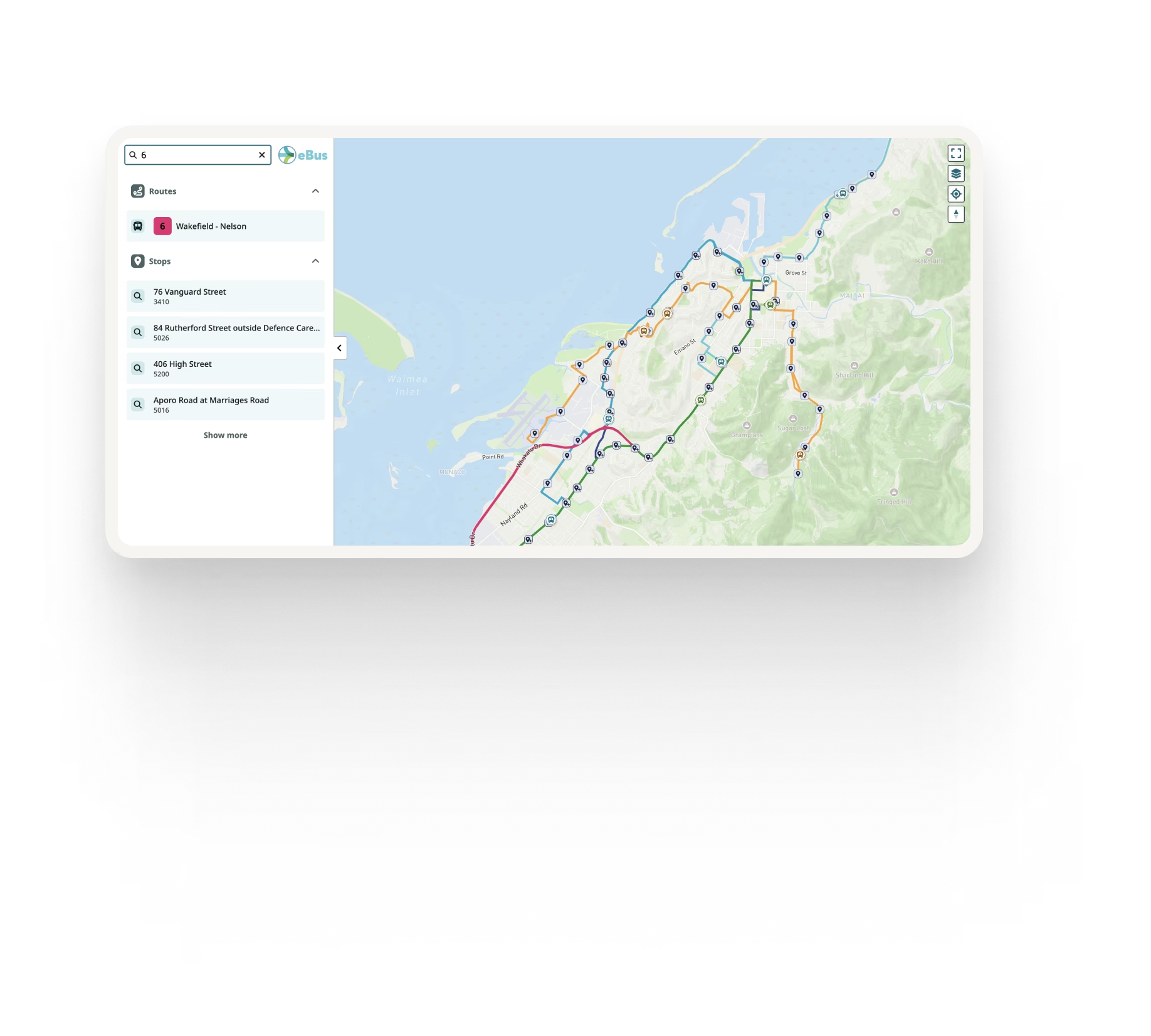
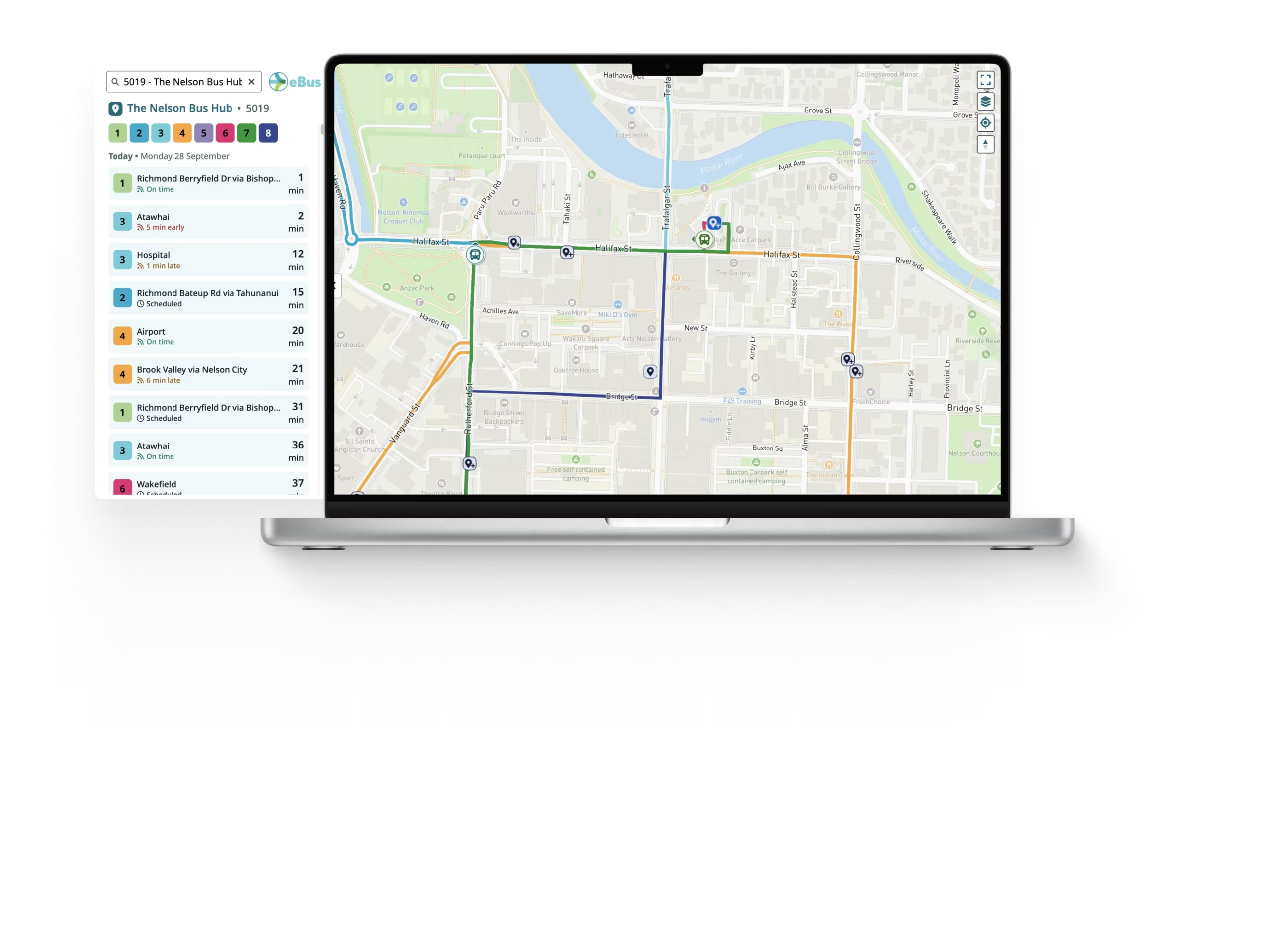
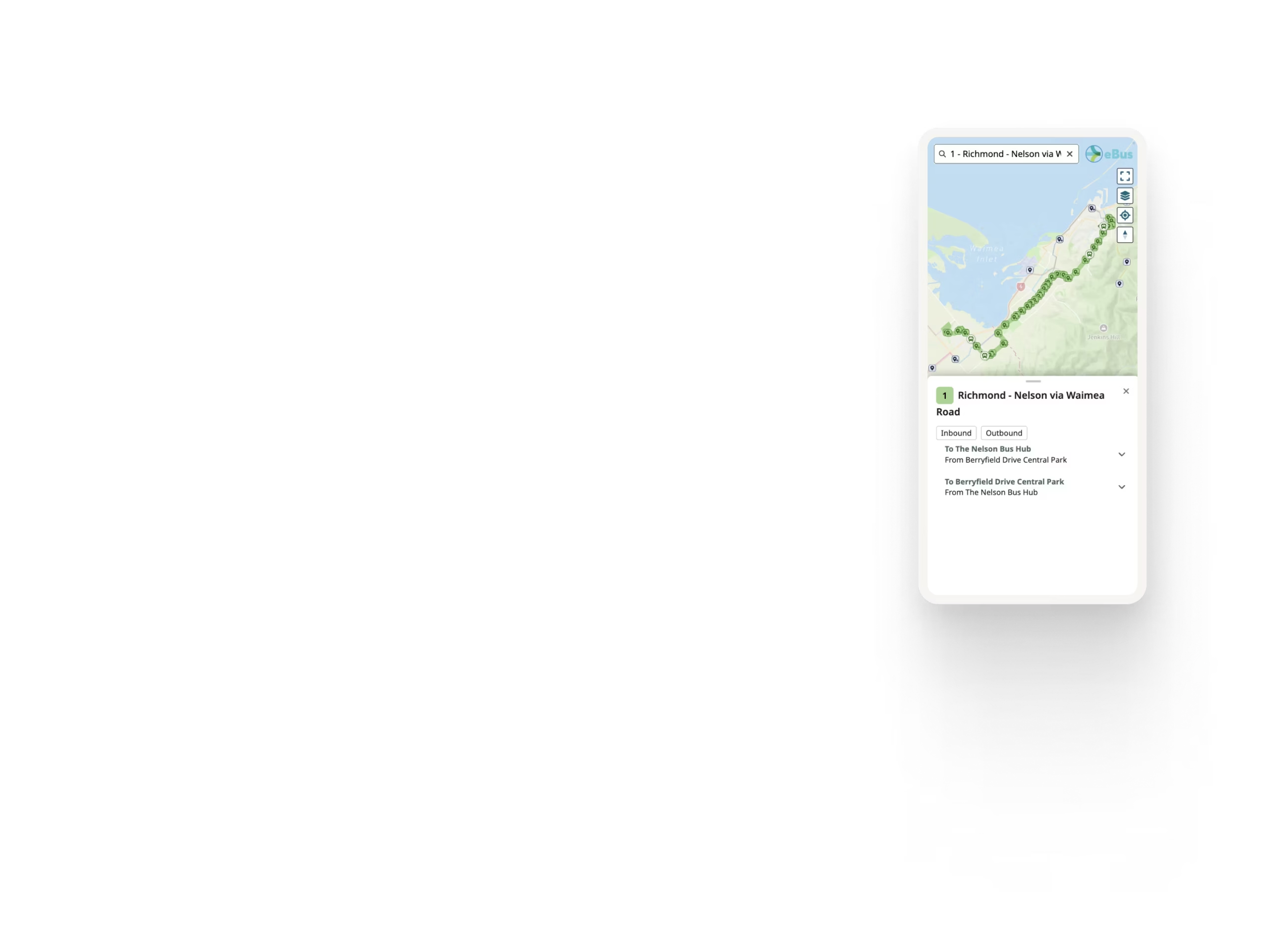
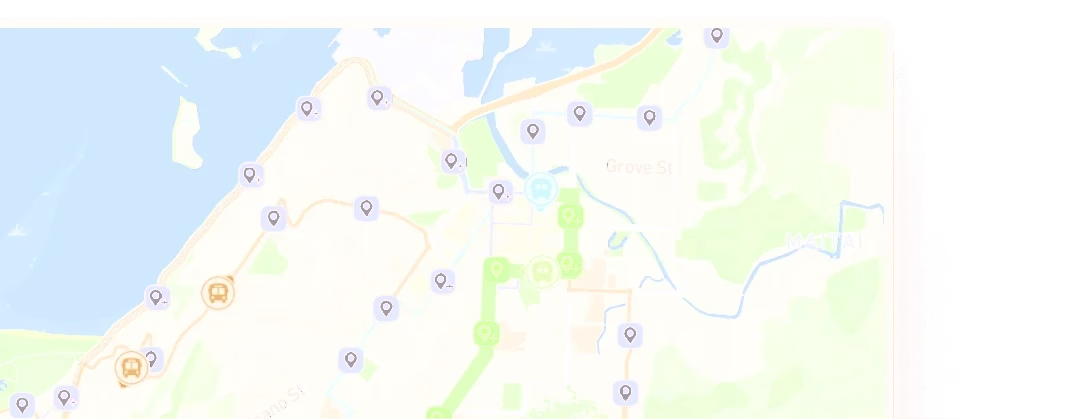
Explore the complete transit network in one place. Riders can view available routes, understand where they travel and select stops for more information.
Live vehicle locations
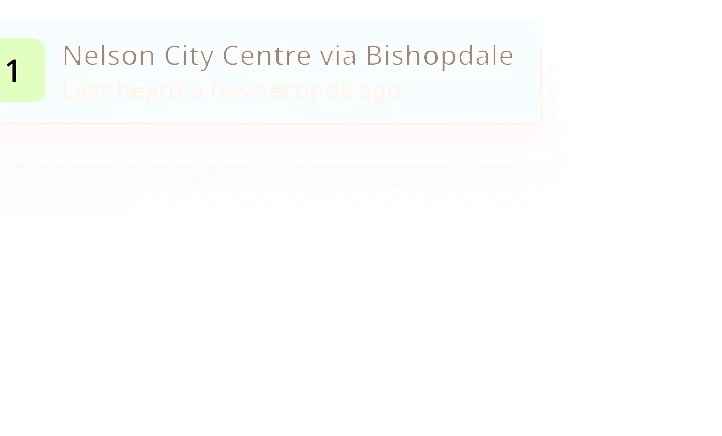
Where GTFS-RT is available, riders can see vehicles moving across the network in real time, with Ride Guide supporting updates as frequently as once per second when the source feed provides them.
Live departures
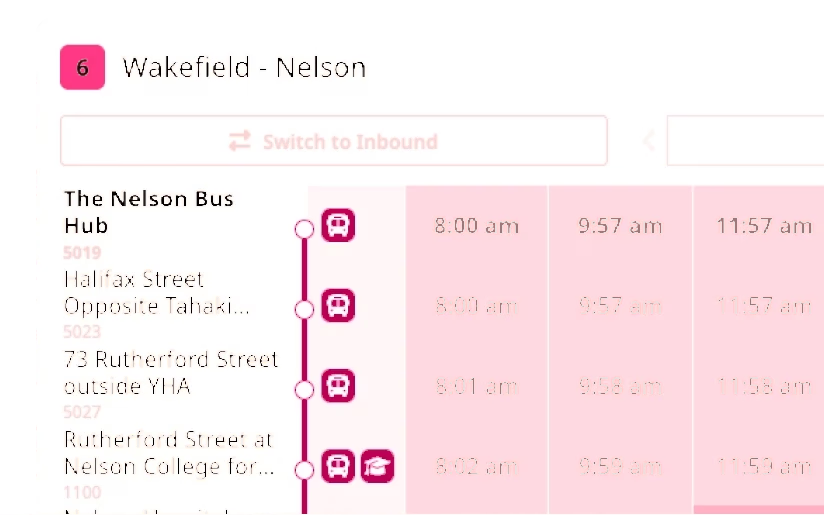
Select a stop to see upcoming departures, including real-time information where available.
Service alerts
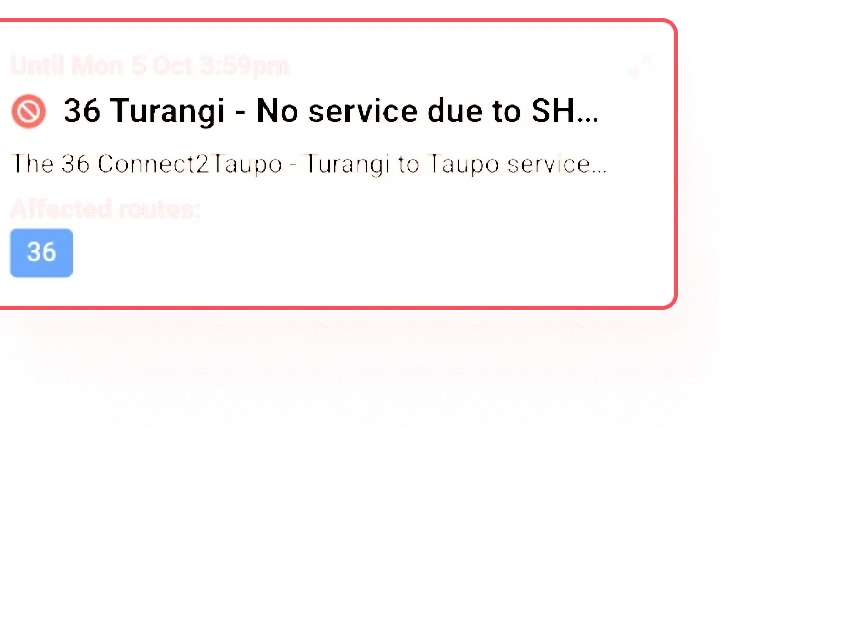
Display relevant service alerts alongside the routes and services they affect, helping riders understand disruptions in context.
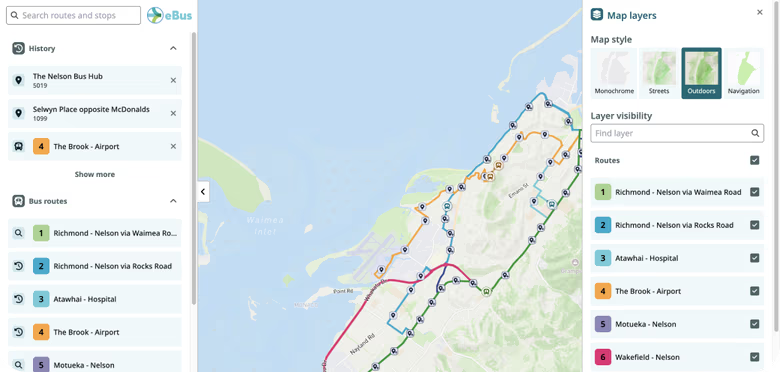
Custom map layers
Add useful information beyond the core transit network, including fare zones, ticket locations, park-and-ride facilities, demand-response or paratransit service areas, and other custom geographic information.
Route grouping
Group routes by area, service type or another useful category so riders can quickly explore the part of the network that is relevant to them.
Link directly to a stop
Create links that open Ride Guide directly to a specific stop, making it easy to build stop departure lookup pages or link passengers straight to the information they need.
Always aligned with your transit data
Network Maps are generated from your GTFS data rather than manually maintained map images.
When routes, stops or route geometry change in the underlying GTFS feed, Ride Guide can reflect those changes automatically. This removes the need to redraw, export and replace static SVG, JPEG or PDF network maps every time the service changes.
Your GTFS feed
Routes, stops and route geometry change
Network Map updated automatically

Designed around your agency
Ride Guide Network Maps can be configured to fit naturally within your existing website and passenger-information experience.
Customise the map with your branding, colours and fonts so it fits neatly within your website design and feels like part of your existing digital experience.
Network Maps can be embedded directly into your website or published as a standalone map that you link to from your site.
You can also deep-link directly to specific stop information, making it easy to create stop departure lookup pages or links elsewhere on your website.
Built for every screen
Network Maps are designed for both desktop and mobile use, with responsive layouts, touch-friendly interaction and clear map controls.
Accessibility is built into the experience
Including keyboard-accessible controls, screen-reader support and alternatives to information that would otherwise only be available visually on the map.
Responsive layouts
Screen-reader support
Keyboard-accessible controls
Touch-friendly interaction
See Ride Guide using your network
Share your GTFS feed and we'll show you how Ride Guide could work with your network.