
GTFS Route Timetables that update automatically
Turn your existing GTFS schedules into clear, responsive web timetables. All without manually rebuilding tables whenever service changes.


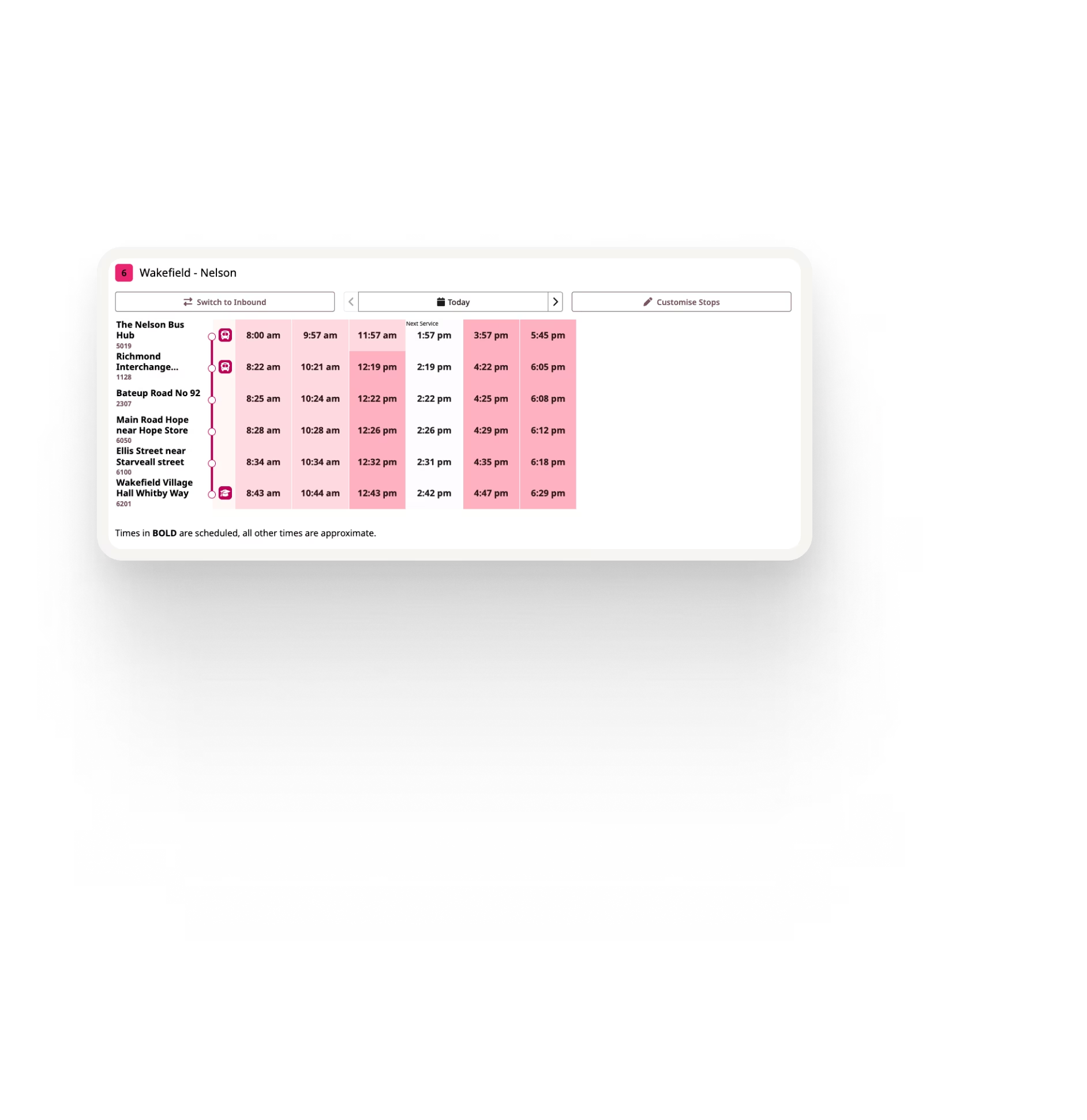

Stop rebuilding website timetables by hand
Transit schedules are already maintained in GTFS, but many agencies still copy that same information into website CMS tables or other manually maintained formats.
Every service change can mean another round of data entry, formatting, checking and publishing. Often involving operations, communications and website teams just to keep the same information aligned across different systems.
Ride Guide removes that duplication by turning your GTFS schedule data directly into passenger-facing web timetables.
Publish directly from your GTFS
Your GTFS remains the source of truth for the schedule information shown to passengers.
When schedules change in GTFS, Ride Guide can publish those changes without staff having to rebuild timetable tables in the website CMS.
Timetables designed around real transit networks
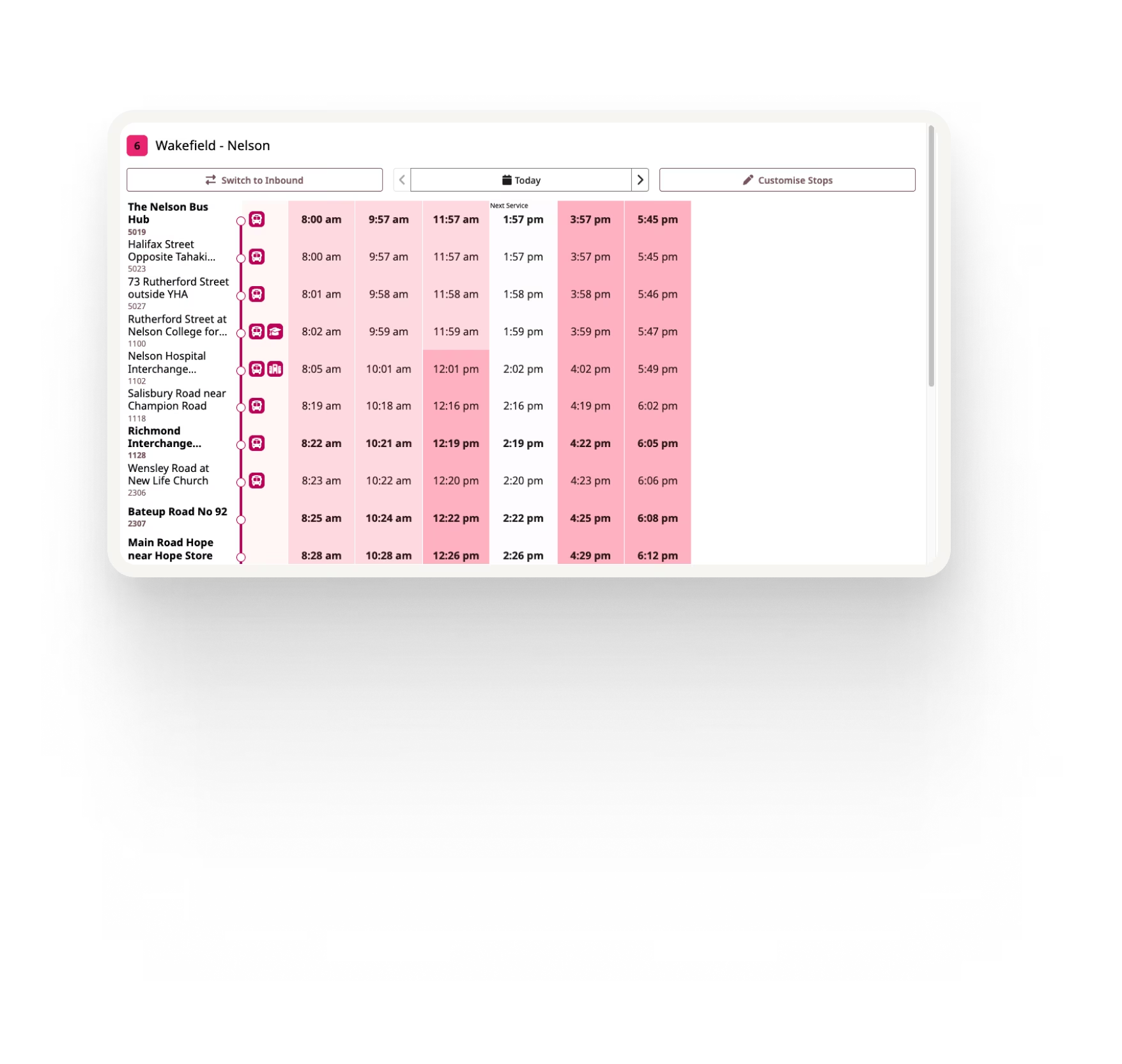
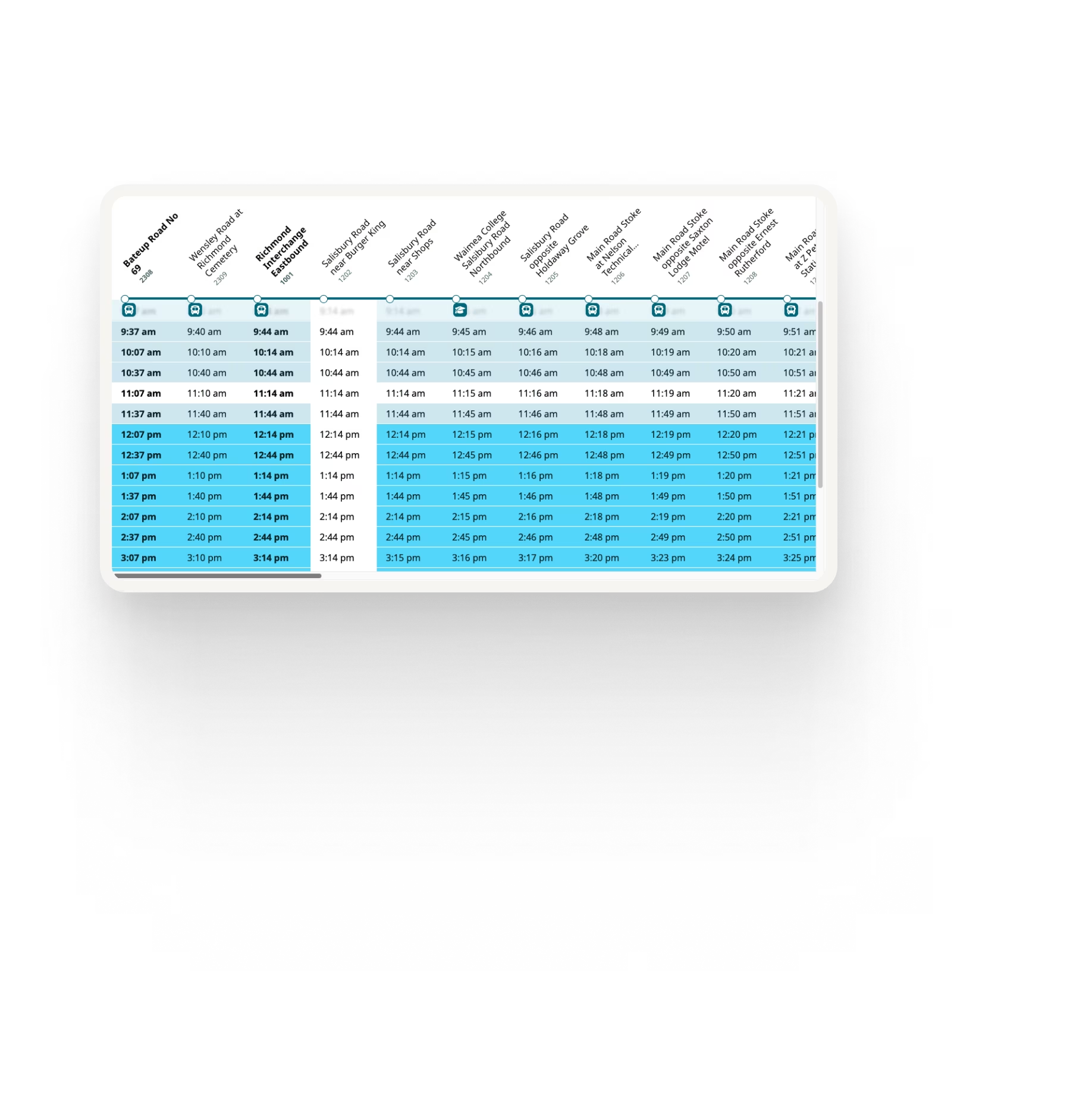
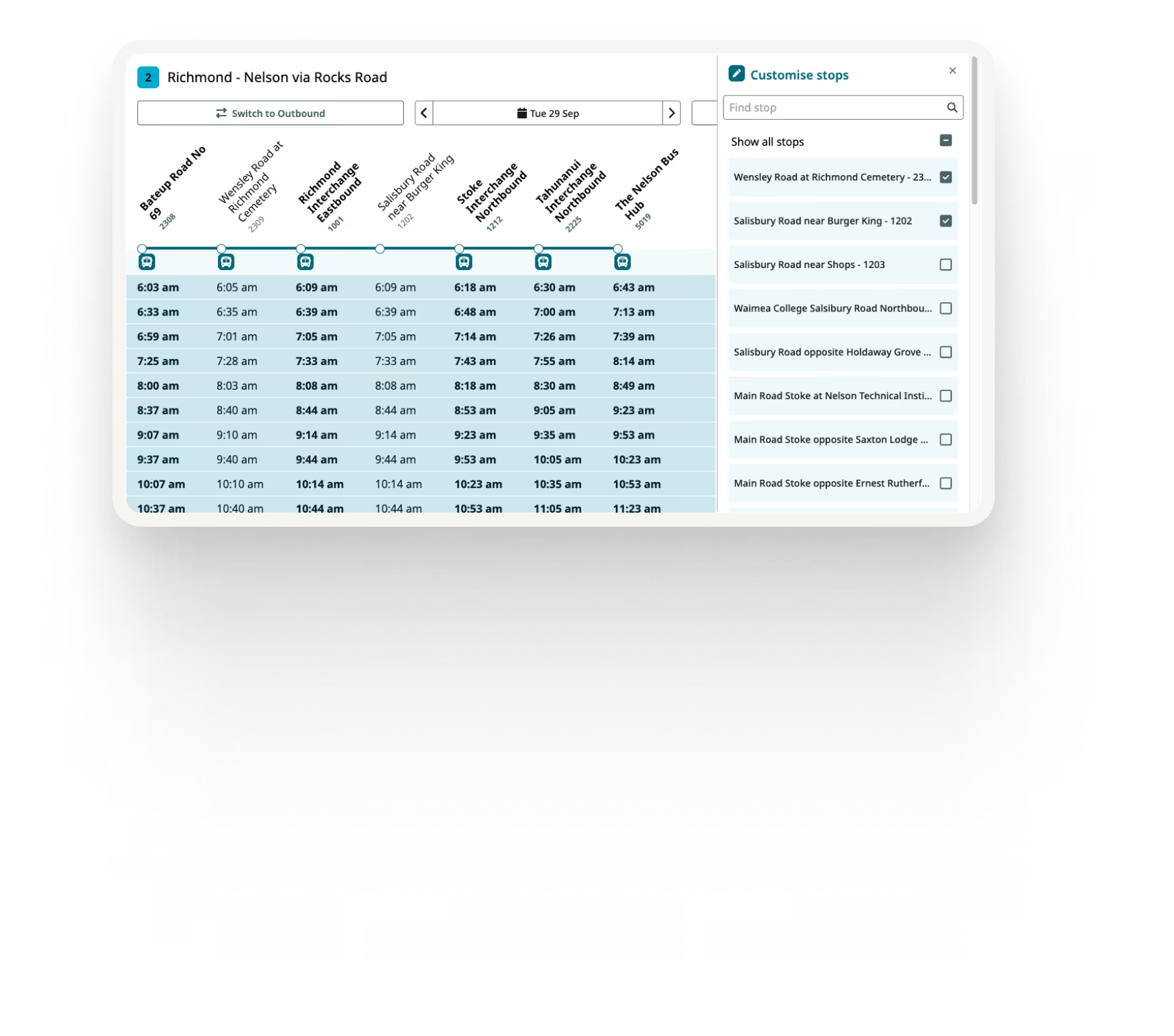
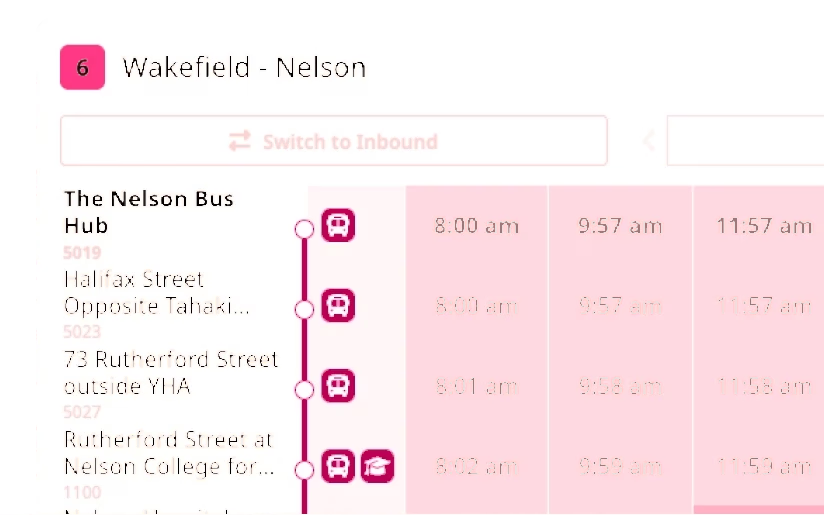
Horizontal and vertical layouts
Choose the timetable format that works best for your routes and passenger experience, with support for both horizontal and vertical schedule layouts.
Route variations
Clearly present different directions, branches and service variations so passengers can understand which timetable applies to their journey.
Date-aware schedules
Show the correct timetable based on the service date, including weekday, weekend, holiday, school-term and other schedule variations defined in GTFS.
Route branding
Use route colours, names and presentation that align with your transit data and agency branding.
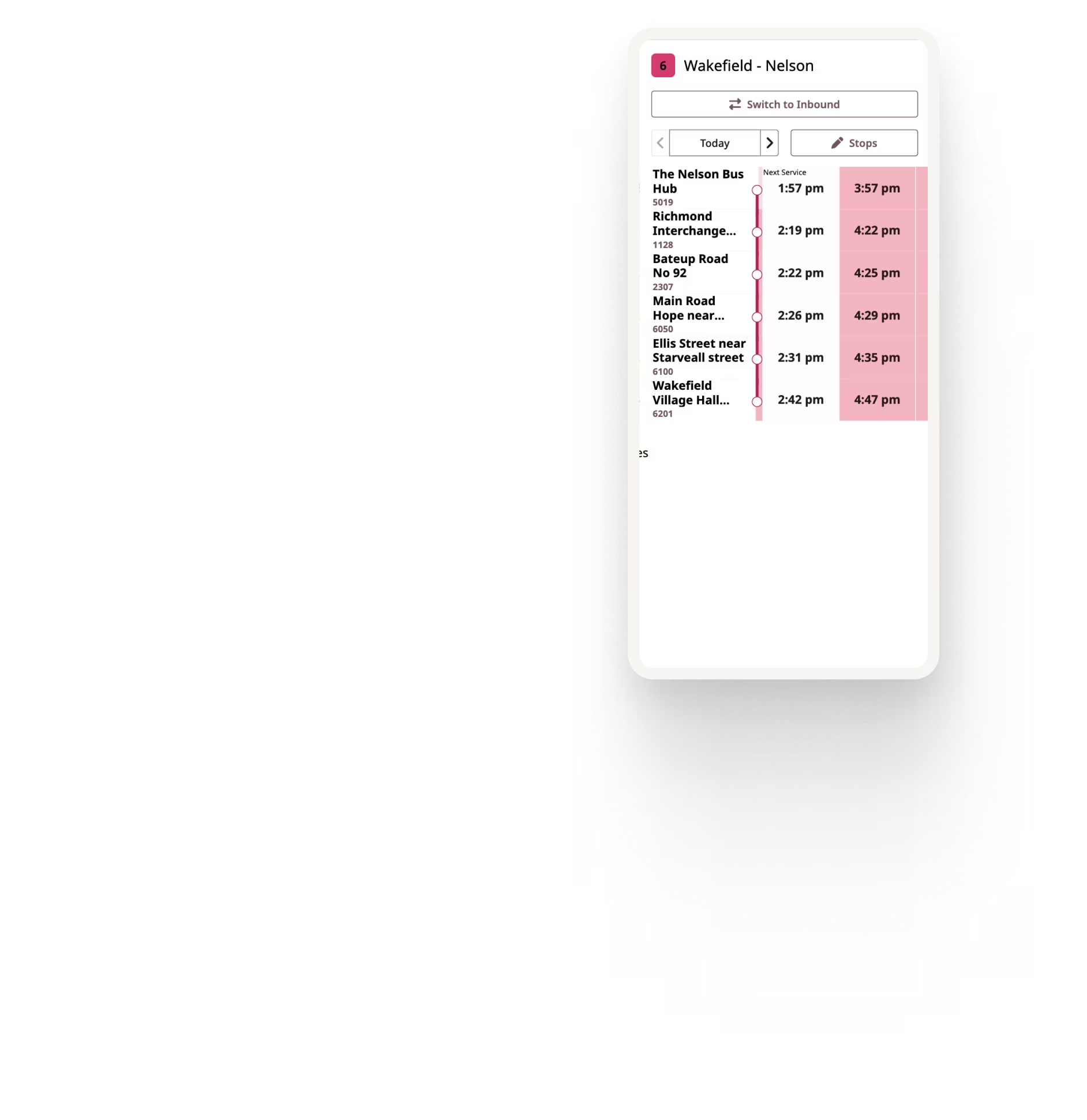
Mobile-friendly layouts
Timetables adapt to smaller screens so riders can find and read schedule information on phones without relying on desktop-sized tables.
Make planned service changes easier for passengers
Future schedules can be published in GTFS before they take effect, allowing Ride Guide to make upcoming service available to passengers ahead of the change.
Riders can select a future date and view the timetable that will apply to their journey, helping agencies communicate planned service changes without creating and maintaining separate temporary timetable pages.


Better for your team. Better for riders.
For your agency
Less repetitive timetable publishing
Fewer disconnected sources of schedule information
Fewer opportunities for manual data-entry discrepancies
Less reliance on website or CMS specialists for routine service changes
GTFS remains the source behind the published timetable
For riders
Current schedule information
Clear route and service variations
Mobile-friendly timetable layouts
Easier access to future service dates
Consistent information between other apps and the agency website
From manual timetable updates to automated publishing
For Busit, manually maintaining website timetables across a network of around 40 routes meant large routes could require more than 1,000 individual timetable entries.
Ride Guide replaced that repetitive CMS publishing process by generating passenger timetables directly from the underlying GTFS data, allowing schedule changes to flow through without rebuilding website tables by hand.


See Ride Guide using your network
Share your GTFS feed and we'll show you how Ride Guide could work with your network.